


These cables were ridiculously expensive but they look absolutely incredible.




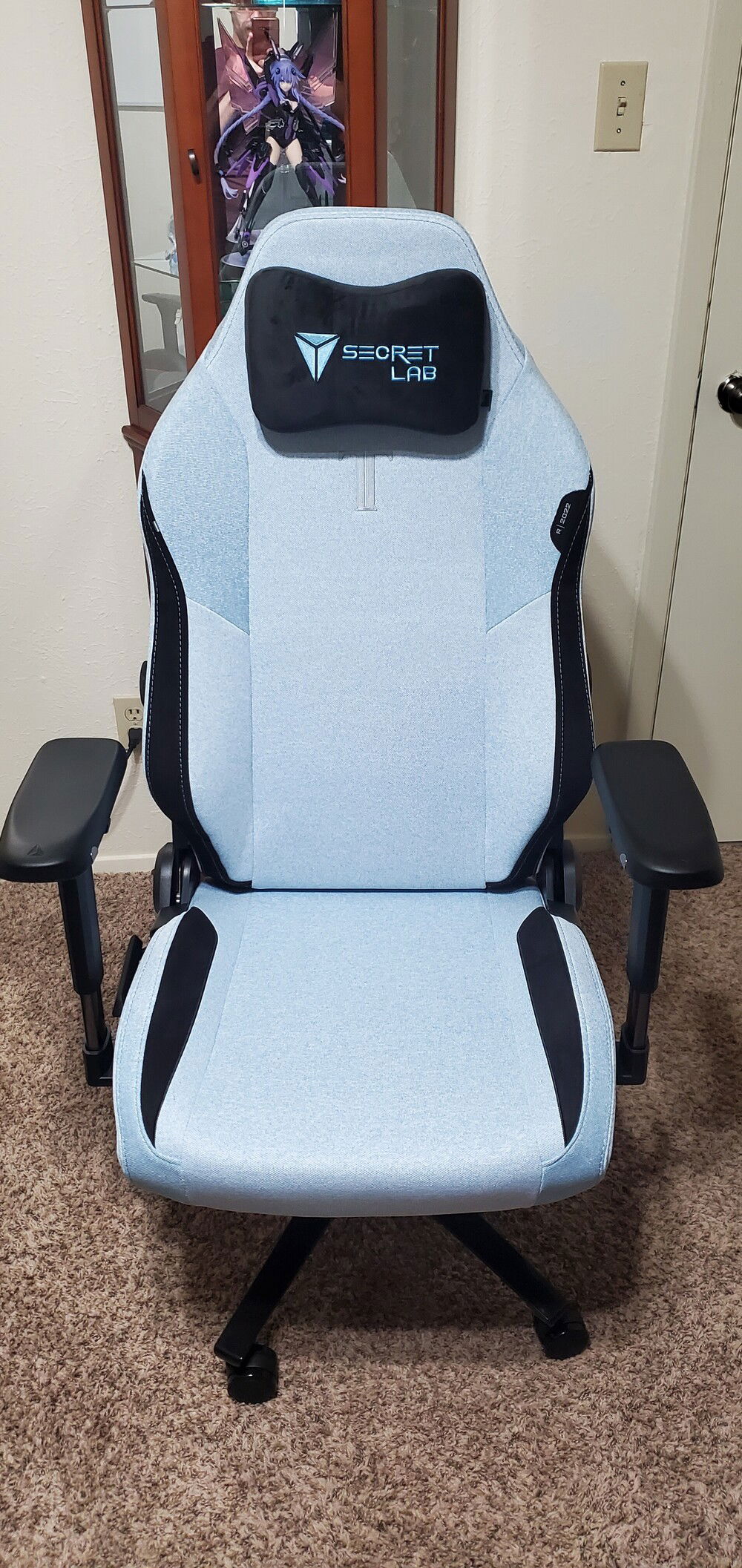
New chair because the feline terrorist I live with decided to chew the arms off my other one.

The vinyl stencil used for the side panel glass etching.

Silent Aurora
AD:
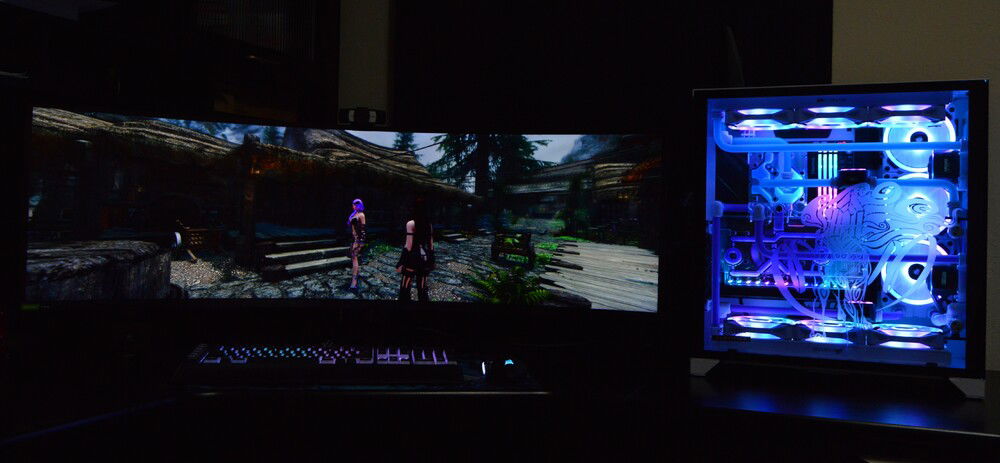
I initially built this computer in February of 2020 in a Corsair 465X with the CPU cooler as an H100i Platinum. However, with an 4.9ghz all-core overclock on an i9 9900k, the six LL120 fans I had in the case sounded like a jet engine every time there was even the slightest spike in CPU temperature. Although I've done some upgrades since then (i.e., adding the Strix 3090 and Samsung Odyssey G9 monitor), I had not attempted to resolve the noise issue until this past week.
The underlying motivation for this build, therefore, was to make a PC that was both as silent as possible and aesthetically pleasing. To that end, I am quite pleased with how the final result turned out. Building the loop from start to finish took about a week and bending the acrylic tubing took around two days (it would have taken less has I not reversed the designated inlet and outlet ports the first time around). This was my second custom water loop and my first attempt at a dual loop. I think I can safely say that the second time is quite a bit easier than the first.
While I do not normally write "reviews" since many components and brands speak for themselves or have been reviewed extensively elsewhere, I would like to briefly comment on two exceptions here. First, the Aquacomputer D5 Pumps are absolutely amazing and I now understand why the watercooling community is obsessed with the flexibility that the AquaSuite software affords in terms of control and monitoring. In addition to their aesthetic advantages, these pumps have built-in temperature sensors and a 25v PWM fan header. This allows you to control fan speed based via AquaSuite for each loop based on water temperature without the need for pass-through fitting sensors in the loop itself. They are also the quitest D5 pumps I have ever seen.
Second, I would like to praise the build quality of the Radikult Dynamic Duo XL front panel distro plate. It is absolutely superb and I would strongly reccomend it to anyone doing a build in a Lian Li O11-Dynamic case.
As far as temperatures are concerned, the water temperature of the CPU loop at idle is around 24°C and peaks around 34°C when gaming and 30°C when under a sustained workload (in this case, MCMC via Stan). Idle temperatures are roughly the same for the GPU loop, though the peak is slightly higher at ~40°C with the average being ~27°C while powering a 49" 1440p monitor with a 240hz refresh rate. The Strix RTX 3090 of course, speaks for itself and I have yet to encounter any workload it can't handle flawlessly.
Additional materials and tools that I have not included in the list of parts used in the build include a heatgun, primochill bending mandrel's, a saw for cutting the acrylic tubing, and my Silloette Cameo 4 Plus that was used to create the vinyl stencil for the glass etch. The build also makes use of several A-RGB to Corsair adapters in order to control all of the lighting directly through iCue.
The underlying motivation for this build, therefore, was to make a PC that was both as silent as possible and aesthetically pleasing. To that end, I am quite pleased with how the final result turned out. Building the loop from start to finish took about a week and bending the acrylic tubing took around two days (it would have taken less has I not reversed the designated inlet and outlet ports the first time around). This was my second custom water loop and my first attempt at a dual loop. I think I can safely say that the second time is quite a bit easier than the first.
While I do not normally write "reviews" since many components and brands speak for themselves or have been reviewed extensively elsewhere, I would like to briefly comment on two exceptions here. First, the Aquacomputer D5 Pumps are absolutely amazing and I now understand why the watercooling community is obsessed with the flexibility that the AquaSuite software affords in terms of control and monitoring. In addition to their aesthetic advantages, these pumps have built-in temperature sensors and a 25v PWM fan header. This allows you to control fan speed based via AquaSuite for each loop based on water temperature without the need for pass-through fitting sensors in the loop itself. They are also the quitest D5 pumps I have ever seen.
Second, I would like to praise the build quality of the Radikult Dynamic Duo XL front panel distro plate. It is absolutely superb and I would strongly reccomend it to anyone doing a build in a Lian Li O11-Dynamic case.
As far as temperatures are concerned, the water temperature of the CPU loop at idle is around 24°C and peaks around 34°C when gaming and 30°C when under a sustained workload (in this case, MCMC via Stan). Idle temperatures are roughly the same for the GPU loop, though the peak is slightly higher at ~40°C with the average being ~27°C while powering a 49" 1440p monitor with a 240hz refresh rate. The Strix RTX 3090 of course, speaks for itself and I have yet to encounter any workload it can't handle flawlessly.
Additional materials and tools that I have not included in the list of parts used in the build include a heatgun, primochill bending mandrel's, a saw for cutting the acrylic tubing, and my Silloette Cameo 4 Plus that was used to create the vinyl stencil for the glass etch. The build also makes use of several A-RGB to Corsair adapters in order to control all of the lighting directly through iCue.
Color(s): Black Blue Purple White
RGB Lighting? Yes
Theme: Video Game
Cooling: Custom Liquid Cooling
Size: E-ATX
Type: General Build
Contests
This build participated in 1 contest.
| Rank | Contest | Date |
|---|---|---|
| #60 | Build of the Month - May 2021 | ended |
Build Updates
Some Gaming Temps
Updated the Lighting
Maintenance and Upgrades

Hardware
CPU
$ 449.00
Motherboard
$ 405.63
Memory
$ 985.37
Graphics
$ 1,979.99
Storage
$ 463.82
Case
$ 199.99
Case Fan
$ 144.99
Case Fan
$ 222.66
Cooling
$ 94.85
Cooling
$ 399.98
Cooling
$ 282.00
Cooling
$ 94.10
Cooling
$ 26.56
Cooling
$ 80.97
Cooling
$ 107.96
Cooling
$ 53.98
Cooling
$ 39.98
Cooling
$ 239.97
Cooling
$ 25.99
Cooling
$ 54.11
Cooling
$ 225.72
Cooling
$ 340.00
CableMod
$ 328.00
Accessories
$ 14.90
Accessories
$ 21.49
Accessories
$ 74.29
Accessories
$ 129.98
Accessories
$ 91.99
Accessories
$ 109.99
Monitor
$ 1,344.99
Keyboard
$ 297.00
Mouse
$ 59.99
Estimated total value of this build:
$ 8,115.52
Approved by: