



Most Recent Build
Best Build
AD:

Black Ice
AD:
Another customer build. Yet again from the GPU shortage era.
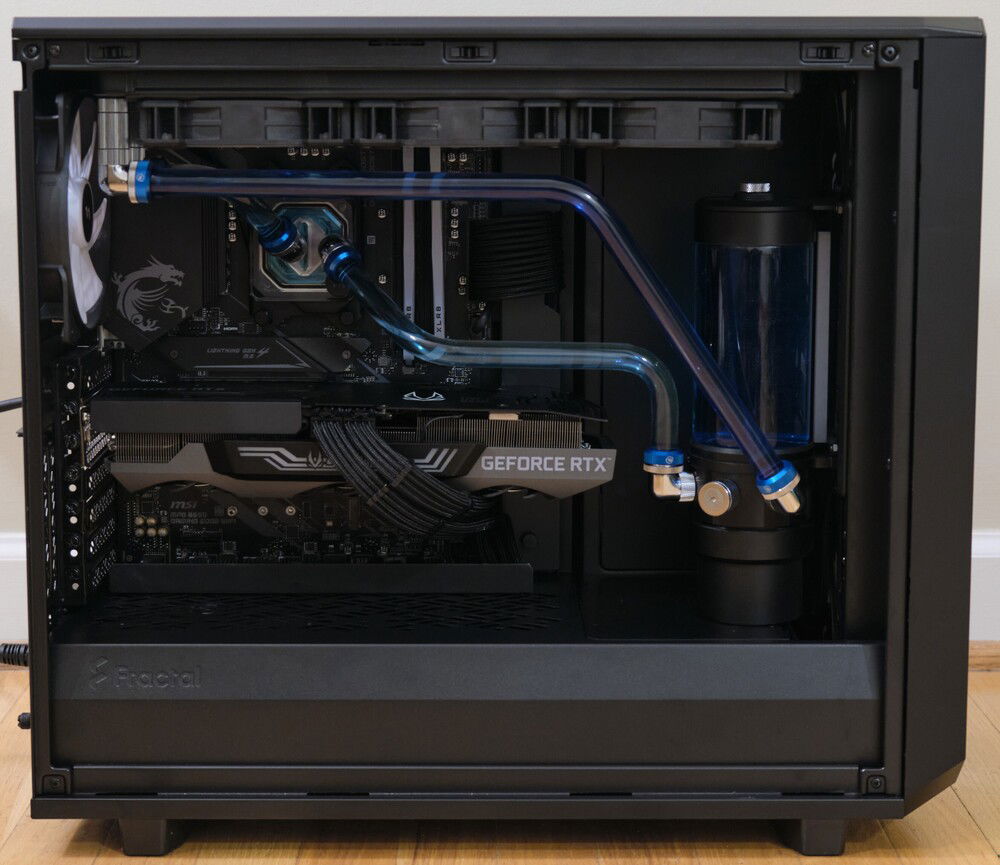
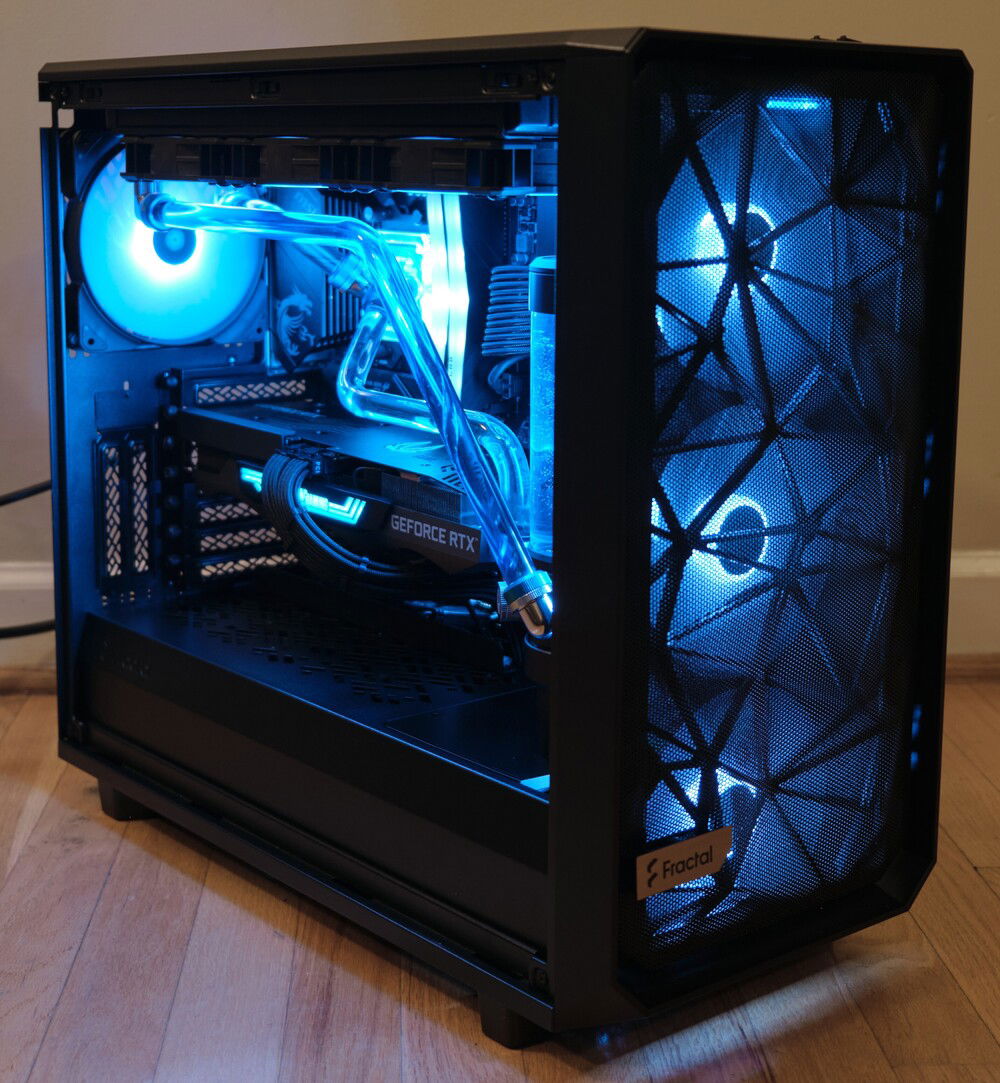
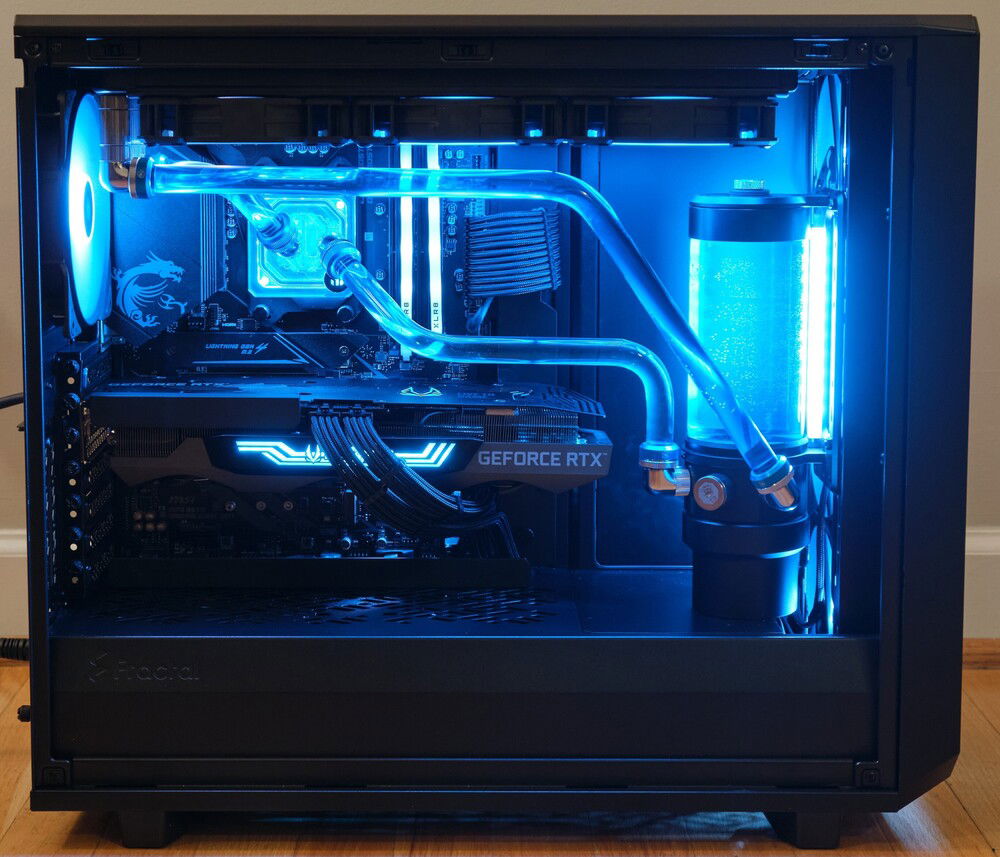
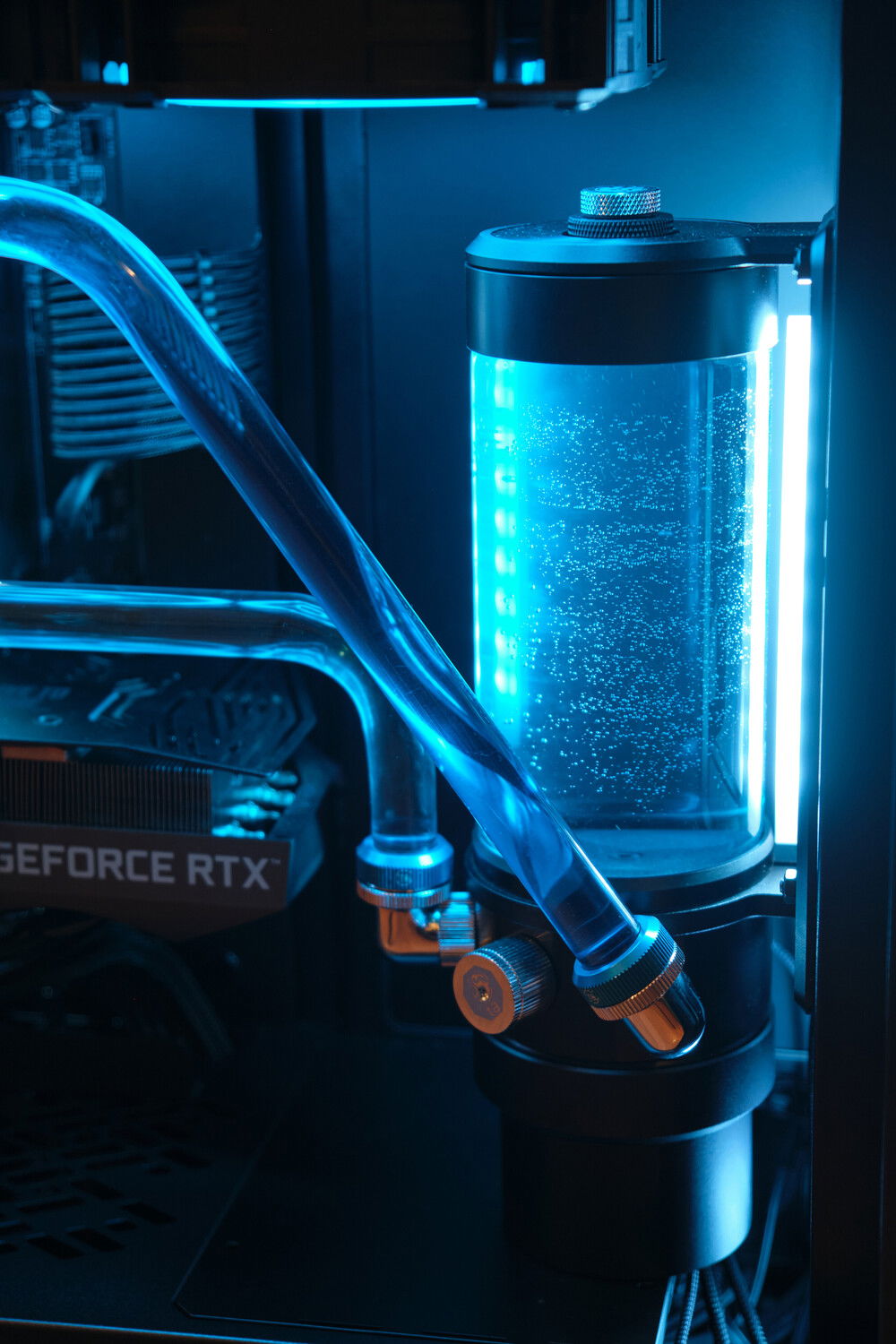
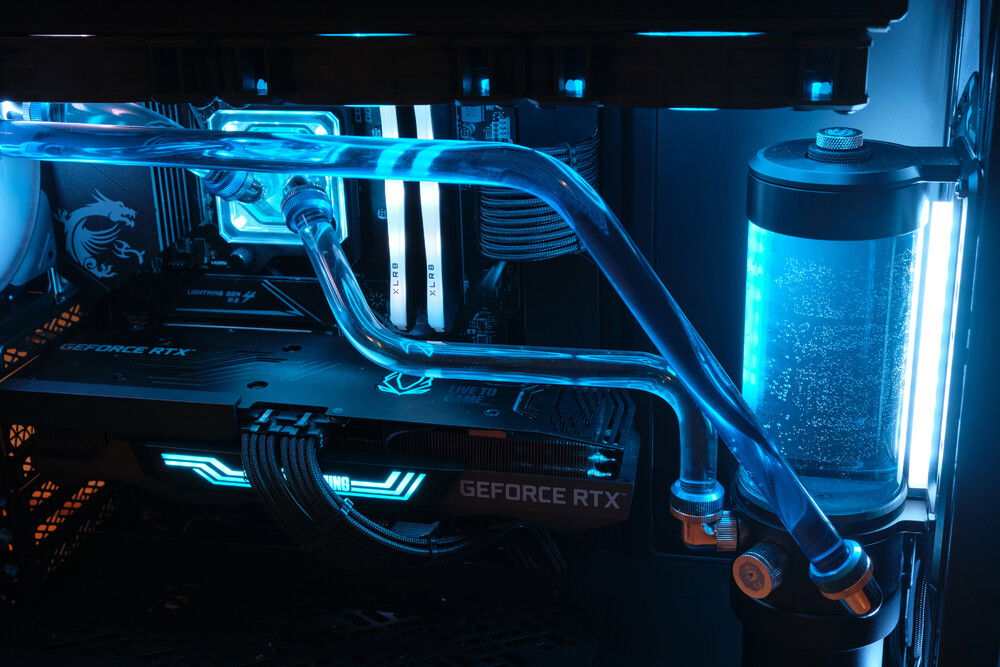
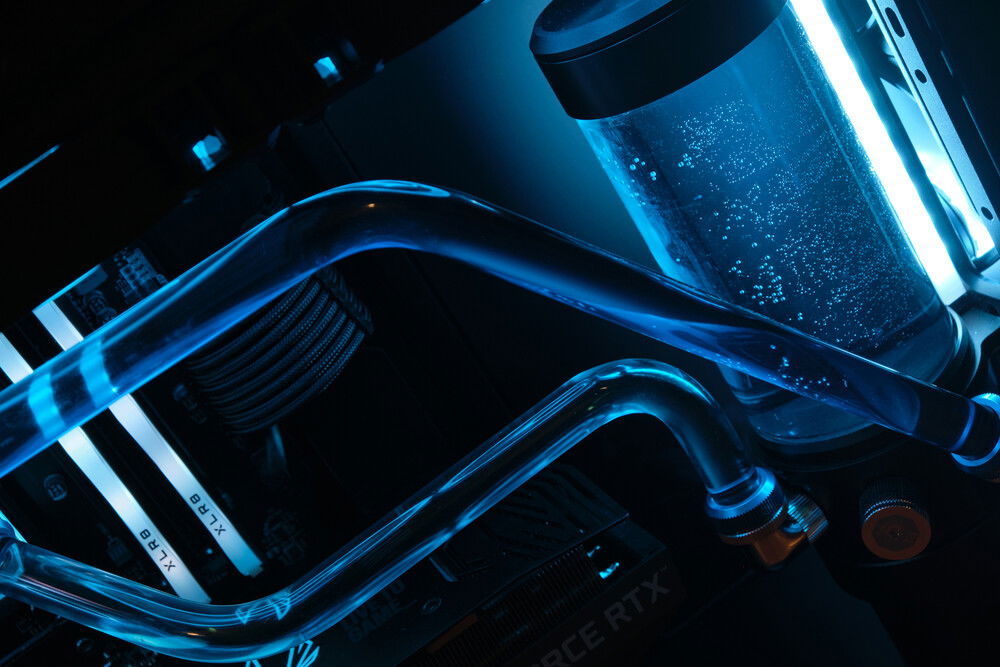
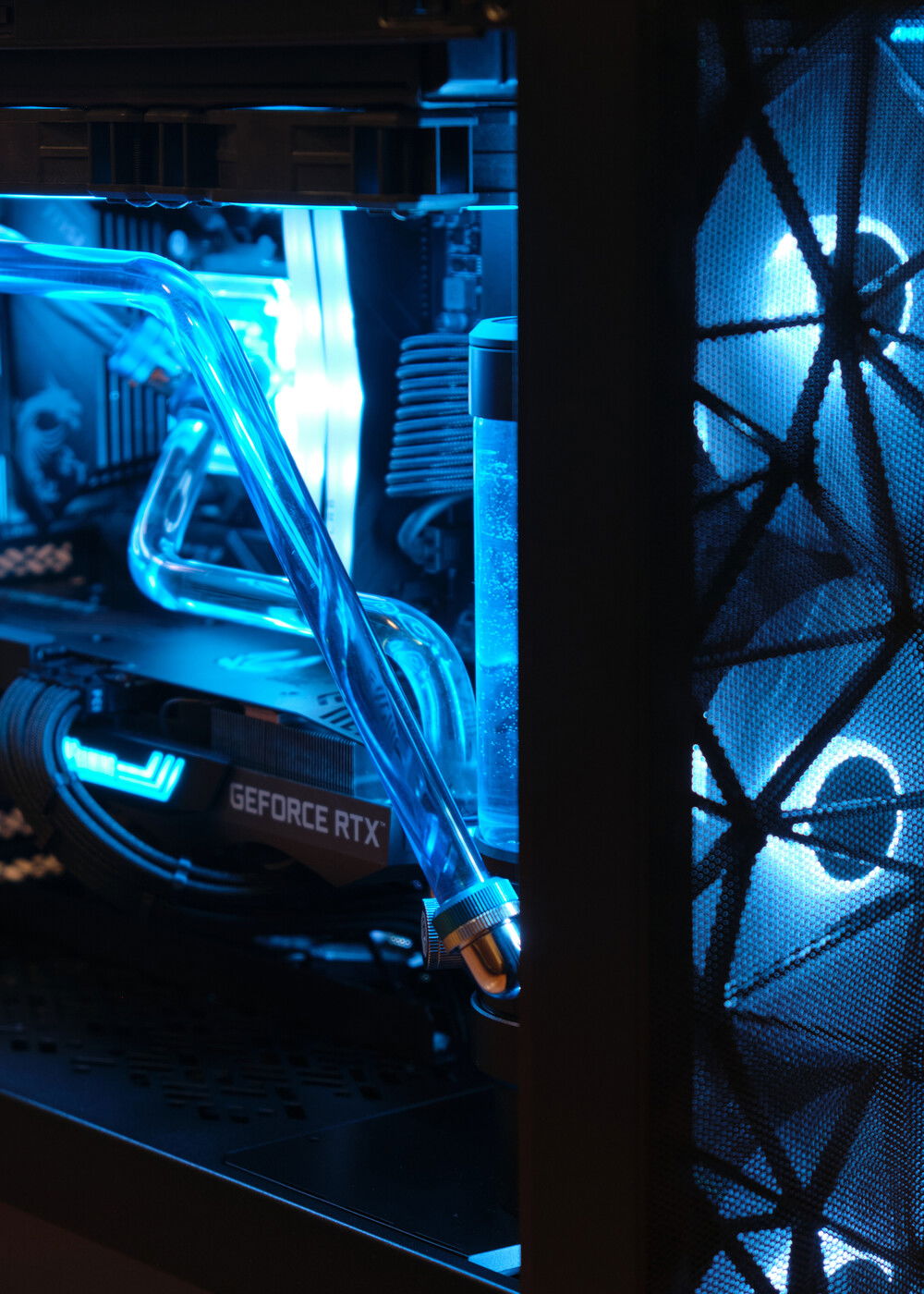
A single blue tube was used to create something of a reverse shadow. The further away from the components the tubes/coolant were, the darker they were.
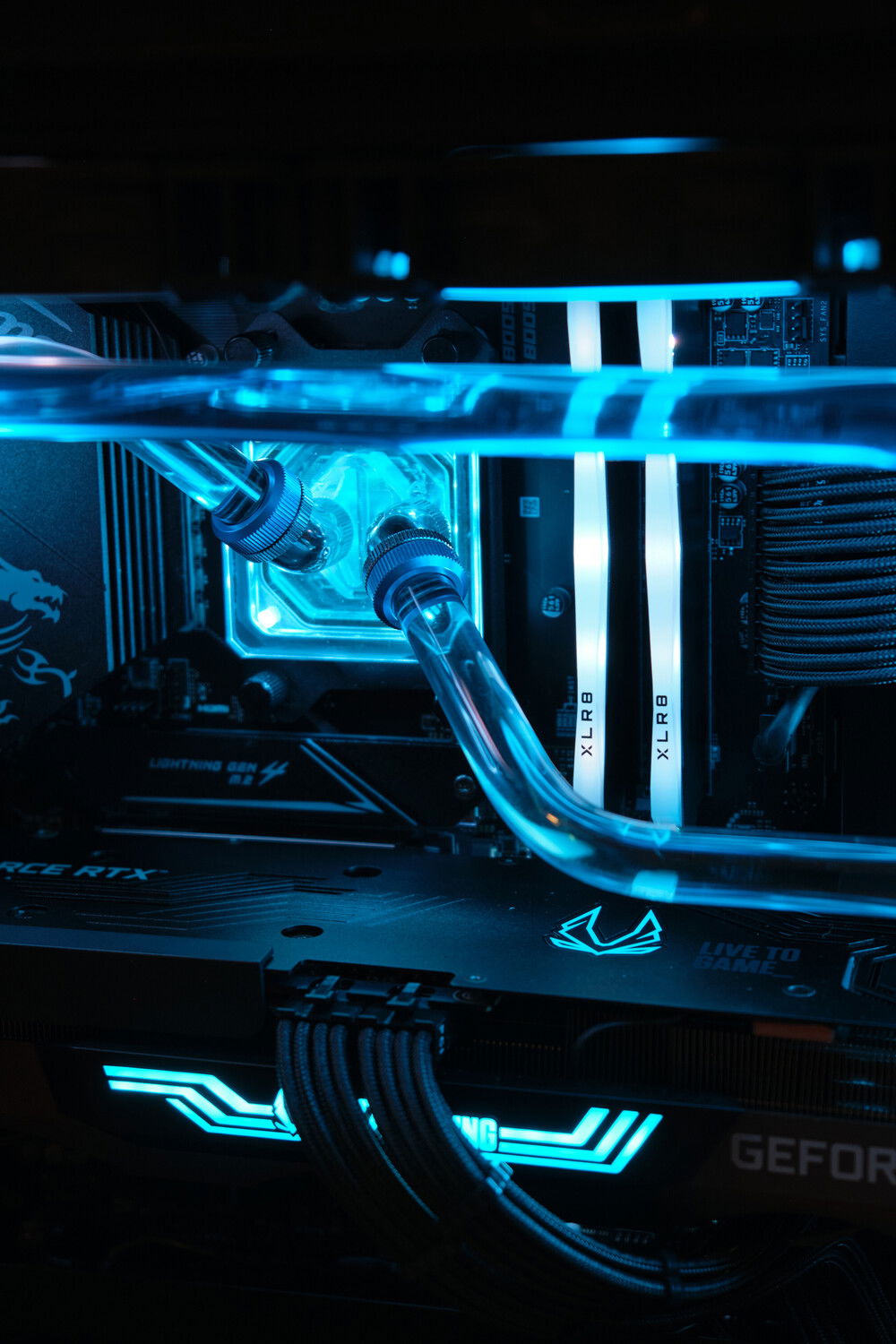
The CPU block is what I like to call the Optimus Prime Velocity as it's a bit of a protest to the inlayed logo. XPSC photon has my usual aluminum cover over the D5. I don't get why XSPC still doesn't use a full cover collar over the D5, but, hey, easy fix for me. Fittings are Bitspower Touchaqua.
Several other small aluminum covers added as well over the bottom connectors on the motherboard, the connectors on the side of the GPU, and a cable bar over the cables on the side of the motherboard. I like cable bars like this and use them in nearly every build now as they cover up the cables that I want hidden while allowing me to control how I want the visible cables to show through. It's also way easier to replace just the bar if a change in build components requires a change in cutouts. If you do single slab covers over the whole mobo tray instead of modular ones, then you could have to replace the entire thing in a component swap. This cable bar has a small cutout to allow the 24 pin so it rounds over a bit better. It sits exactly flush with the GPU so I added a bit of foam to prevent scratches.
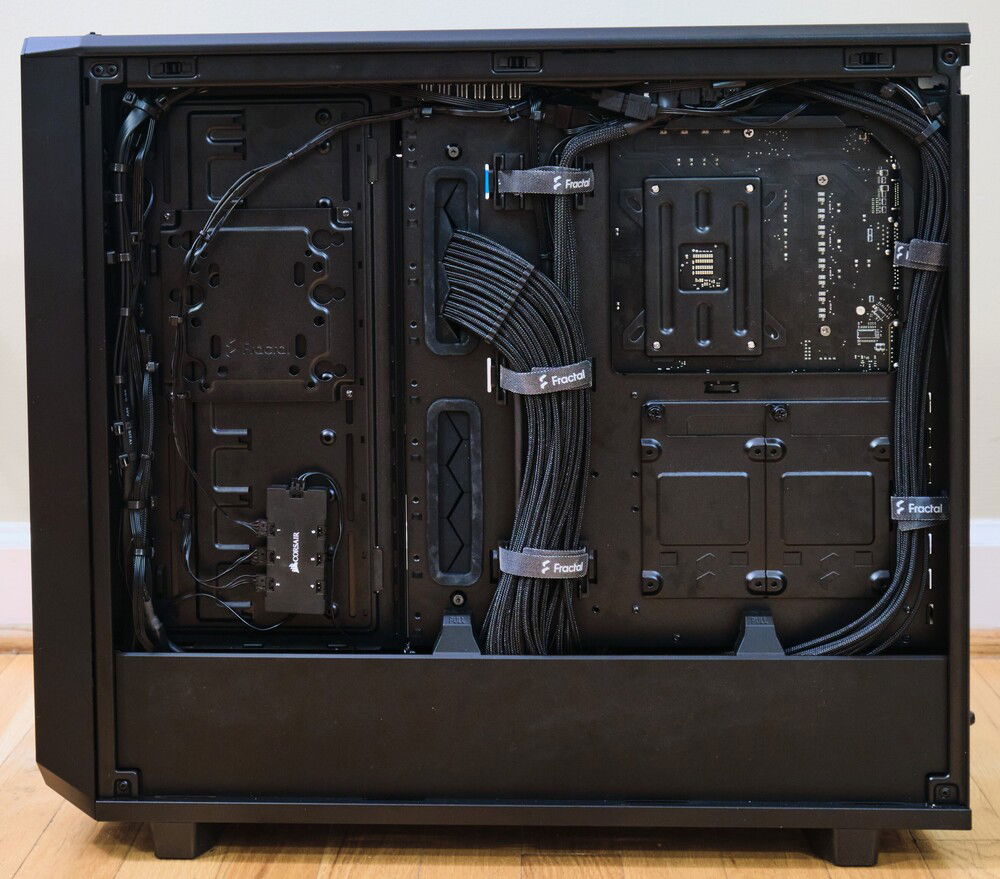
Cables are black Cablemod Modmesh Pro E-Series.
A single blue tube was used to create something of a reverse shadow. The further away from the components the tubes/coolant were, the darker they were.
The CPU block is what I like to call the Optimus Prime Velocity as it's a bit of a protest to the inlayed logo. XPSC photon has my usual aluminum cover over the D5. I don't get why XSPC still doesn't use a full cover collar over the D5, but, hey, easy fix for me. Fittings are Bitspower Touchaqua.
Several other small aluminum covers added as well over the bottom connectors on the motherboard, the connectors on the side of the GPU, and a cable bar over the cables on the side of the motherboard. I like cable bars like this and use them in nearly every build now as they cover up the cables that I want hidden while allowing me to control how I want the visible cables to show through. It's also way easier to replace just the bar if a change in build components requires a change in cutouts. If you do single slab covers over the whole mobo tray instead of modular ones, then you could have to replace the entire thing in a component swap. This cable bar has a small cutout to allow the 24 pin so it rounds over a bit better. It sits exactly flush with the GPU so I added a bit of foam to prevent scratches.
Cables are black Cablemod Modmesh Pro E-Series.
Color(s): Black Blue Chrome Light Blue
RGB Lighting? Yes
Theme: Color
Cooling: Custom Liquid Cooling
Size: ATX
Type: General Build
Hardware
CPU
$ 248.00
Motherboard
$ 229.00
Memory
$ 249.99
Graphics
$ 671.99
Storage
$ 88.98
PSU
$ 199.99
Case
$ 468.00
Case Fan
$ 118.83
Case Fan
$ 259.96
Cooling
Cooling
CableMod
CableMod - E-Series Cable Kit for EVGA G5 / G3 / G2 / P2 / T2
Mode: Stock
Sleeve: PRO ModMesh
Color: Black, Blue
Approved by: