

Most of the parts contained in this build.
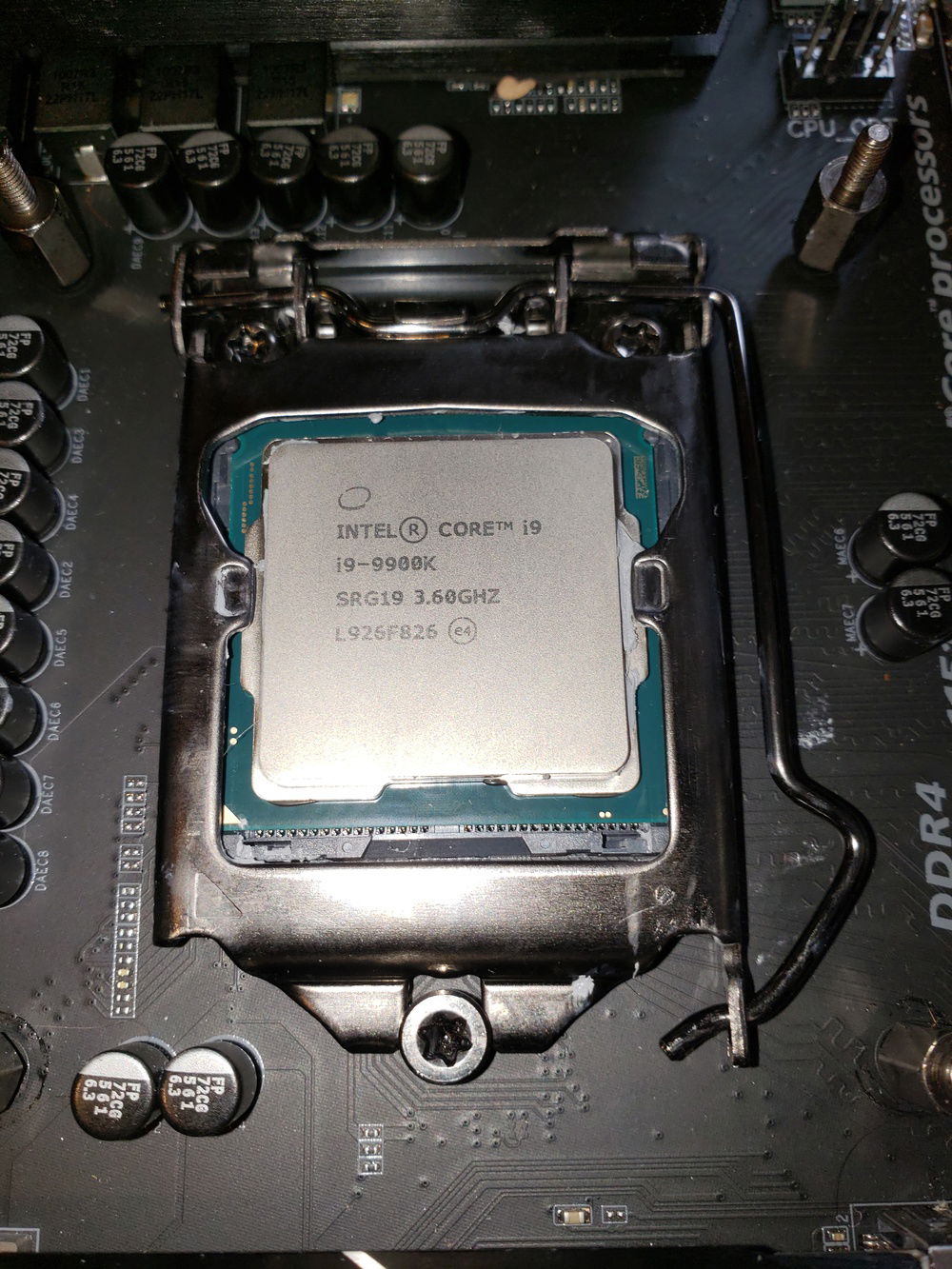
i9-9900K installed.
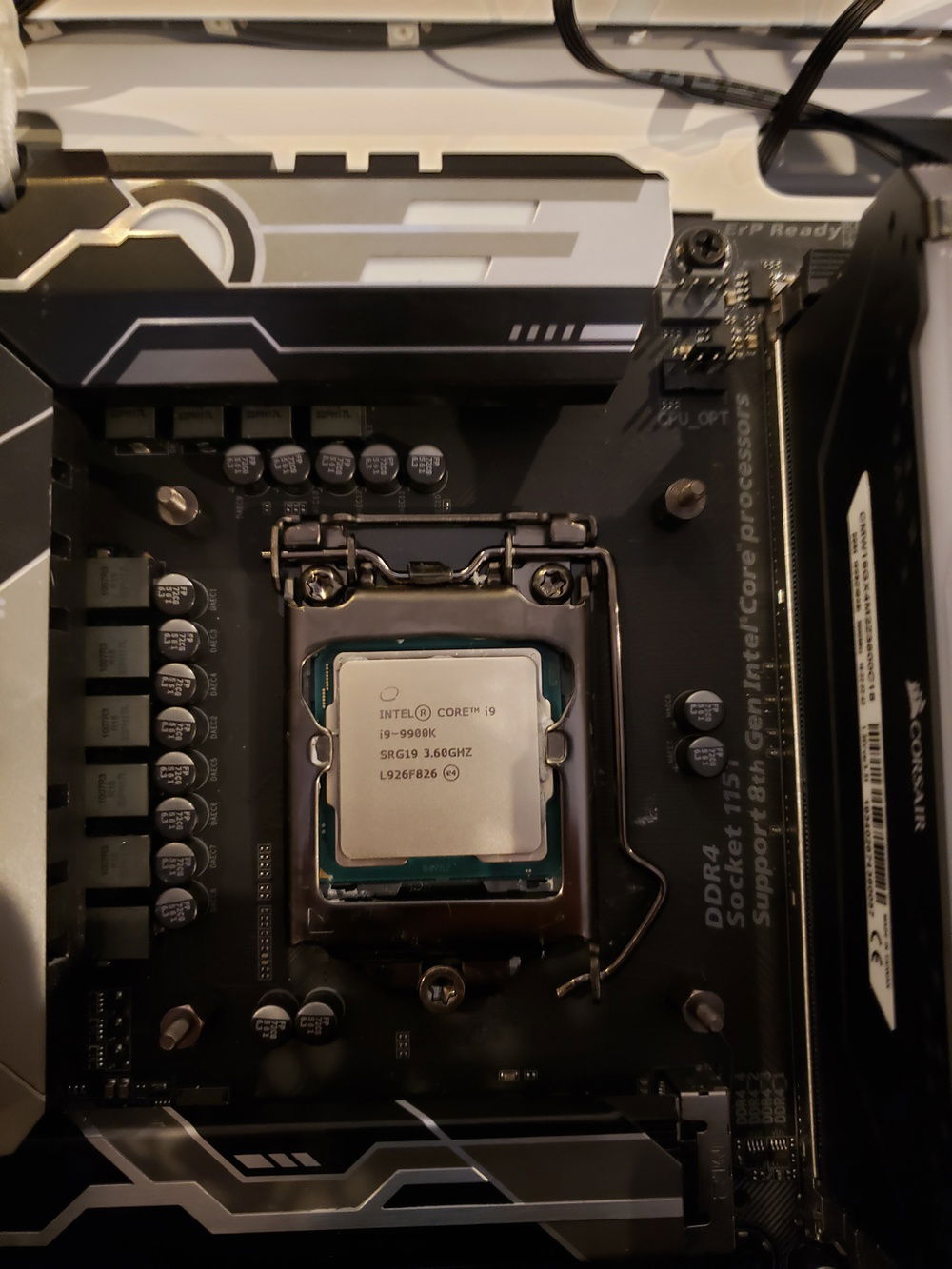
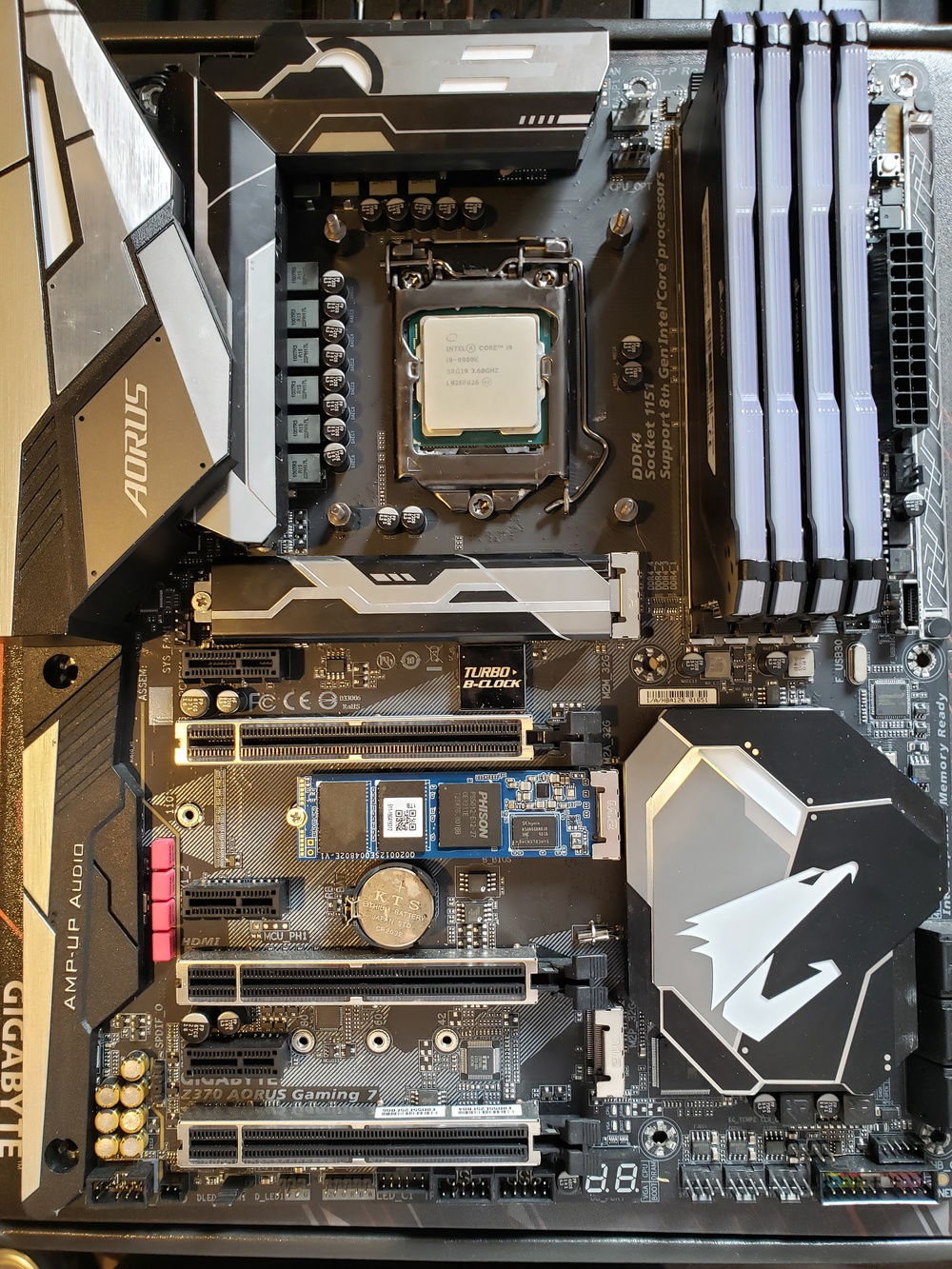
RAM and 1 TB NVMe SSD Installed.
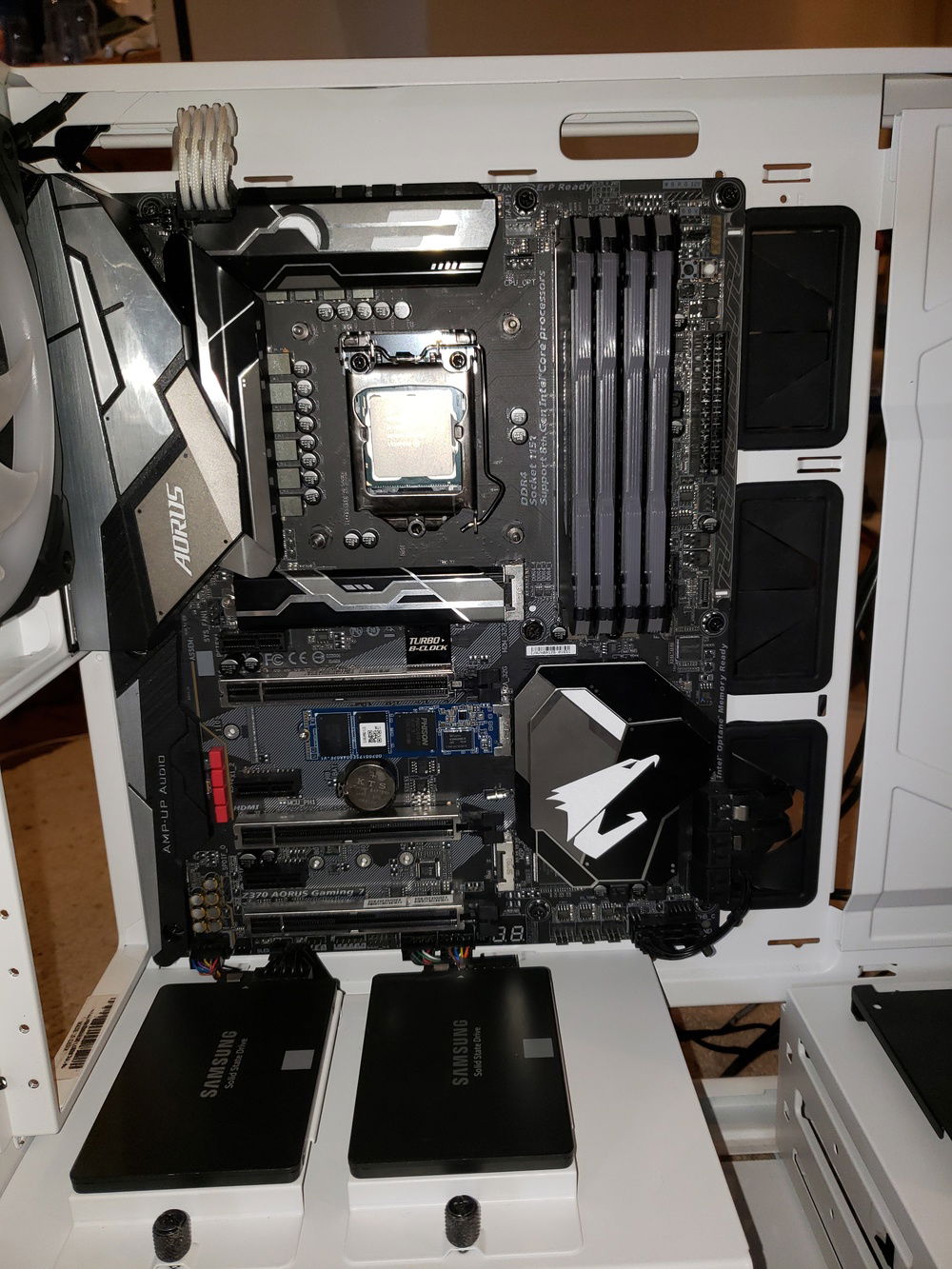
Motherboard and 860 EVOs installed into the H500P Mesh.
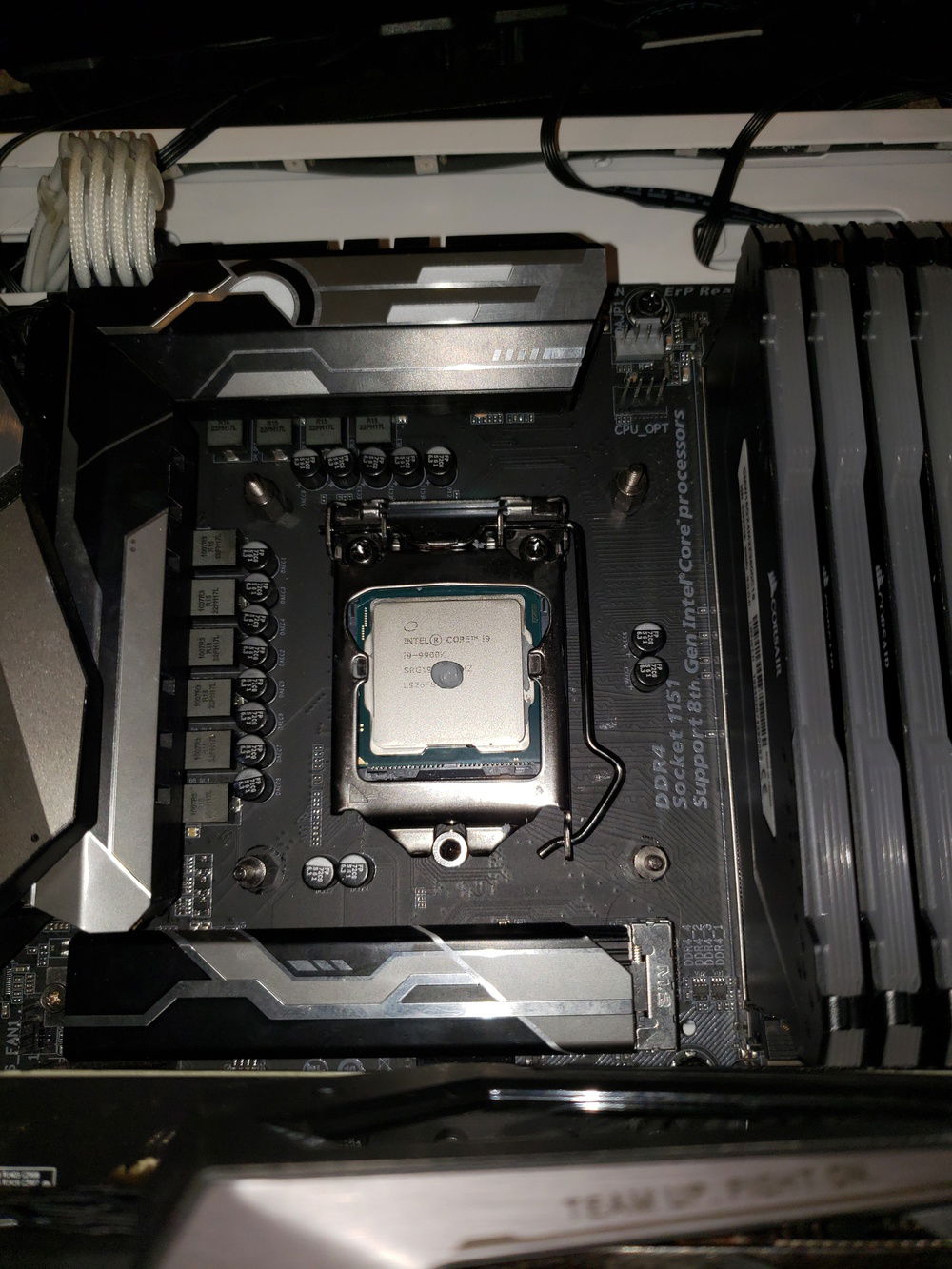
Thermal Paste is applied, a pea sized dot is all you need.
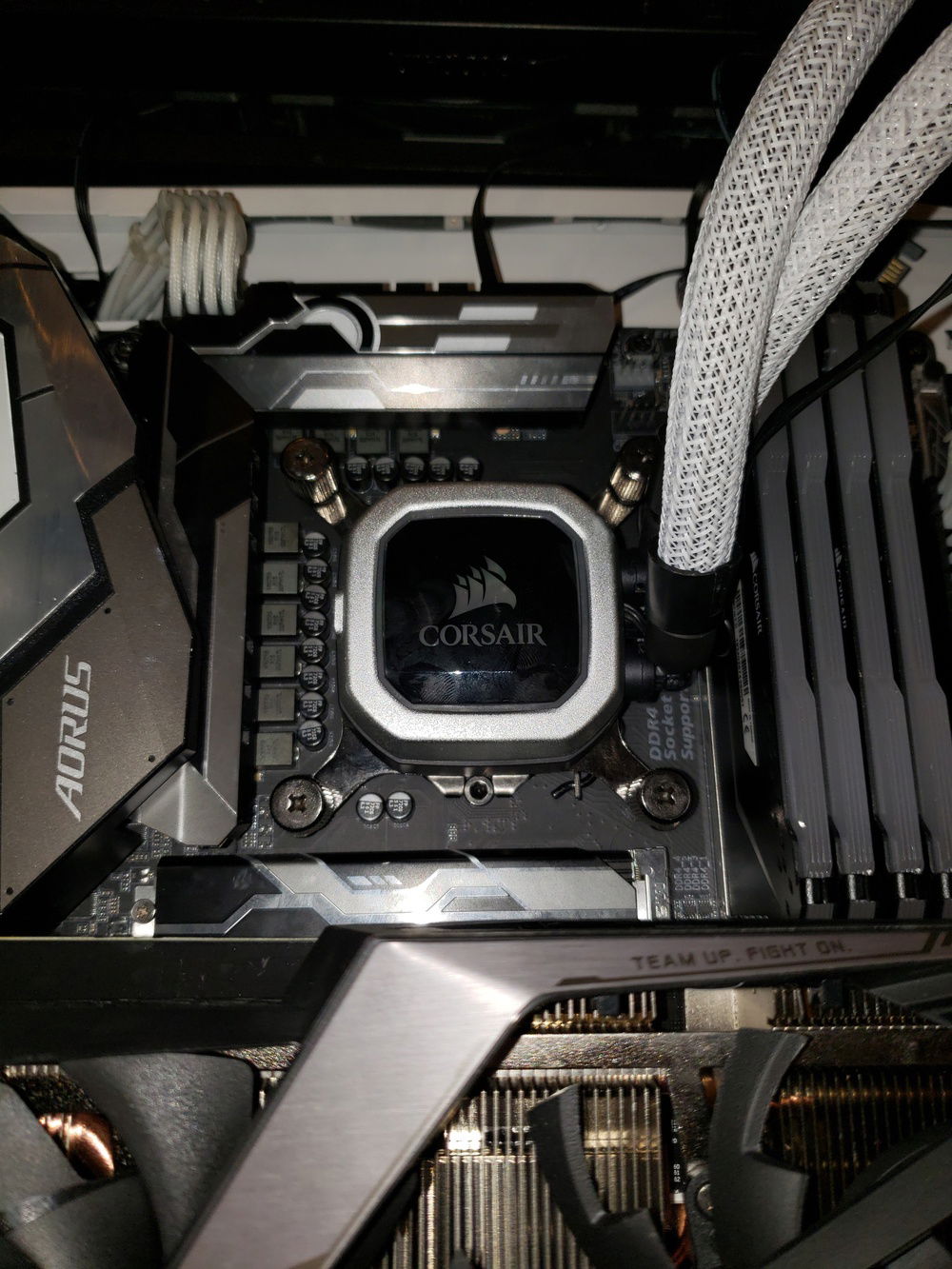
H150i with CableMod AiO sleeve kit installed on the i9-9900K
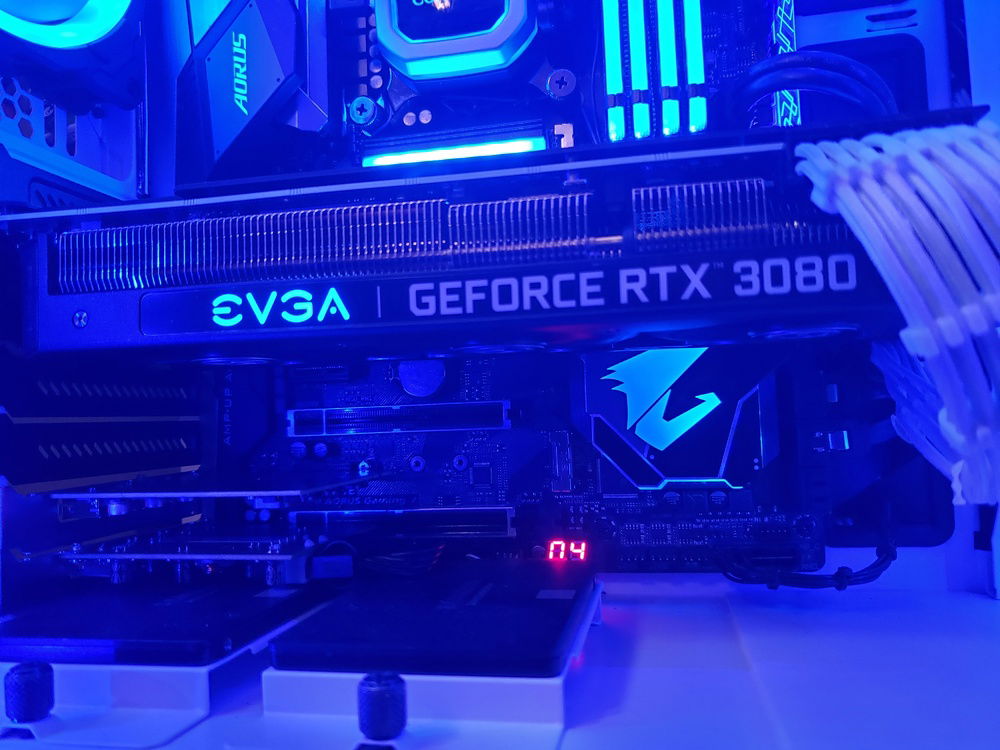
Another angle of the RTX 3080
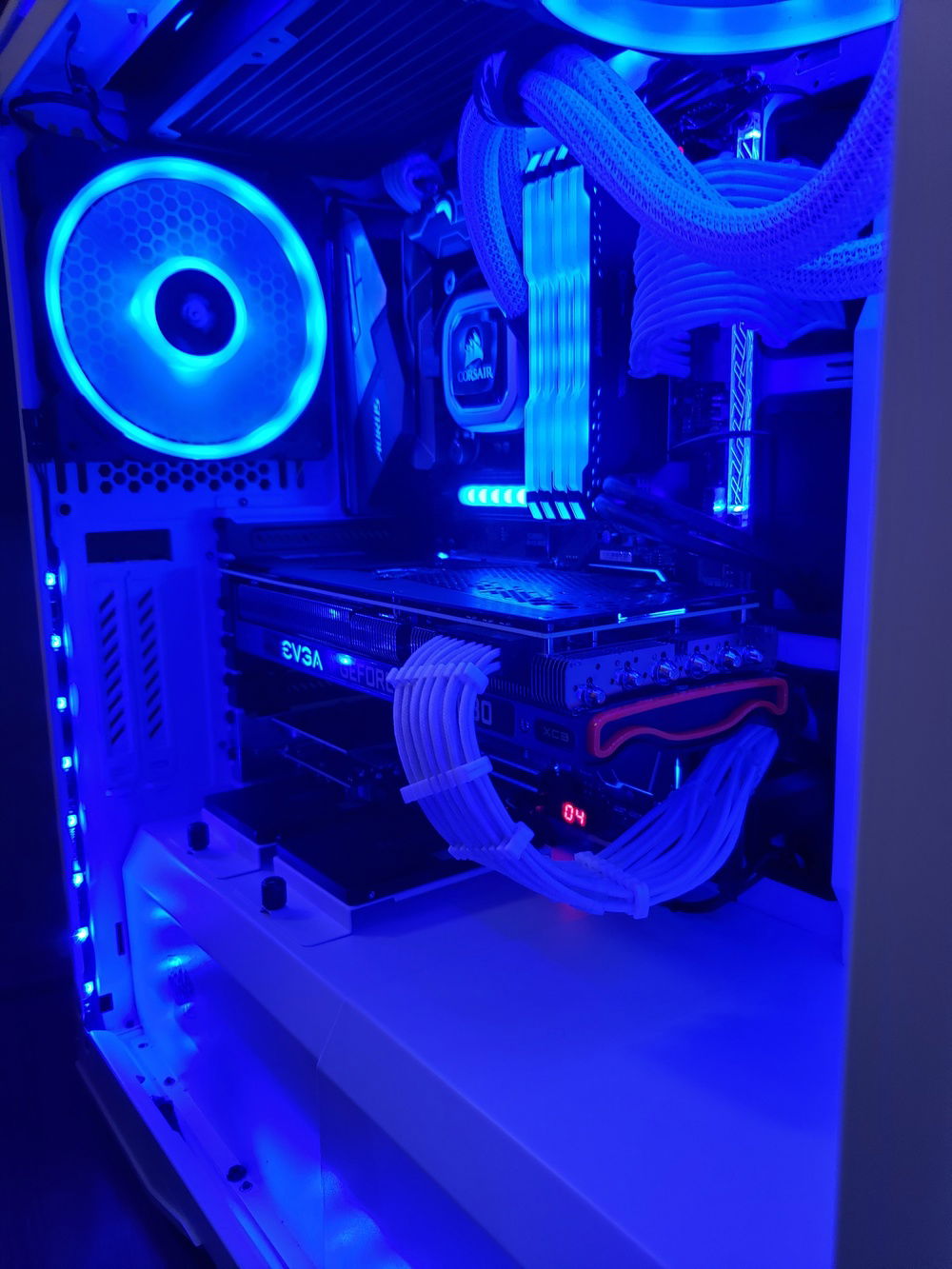
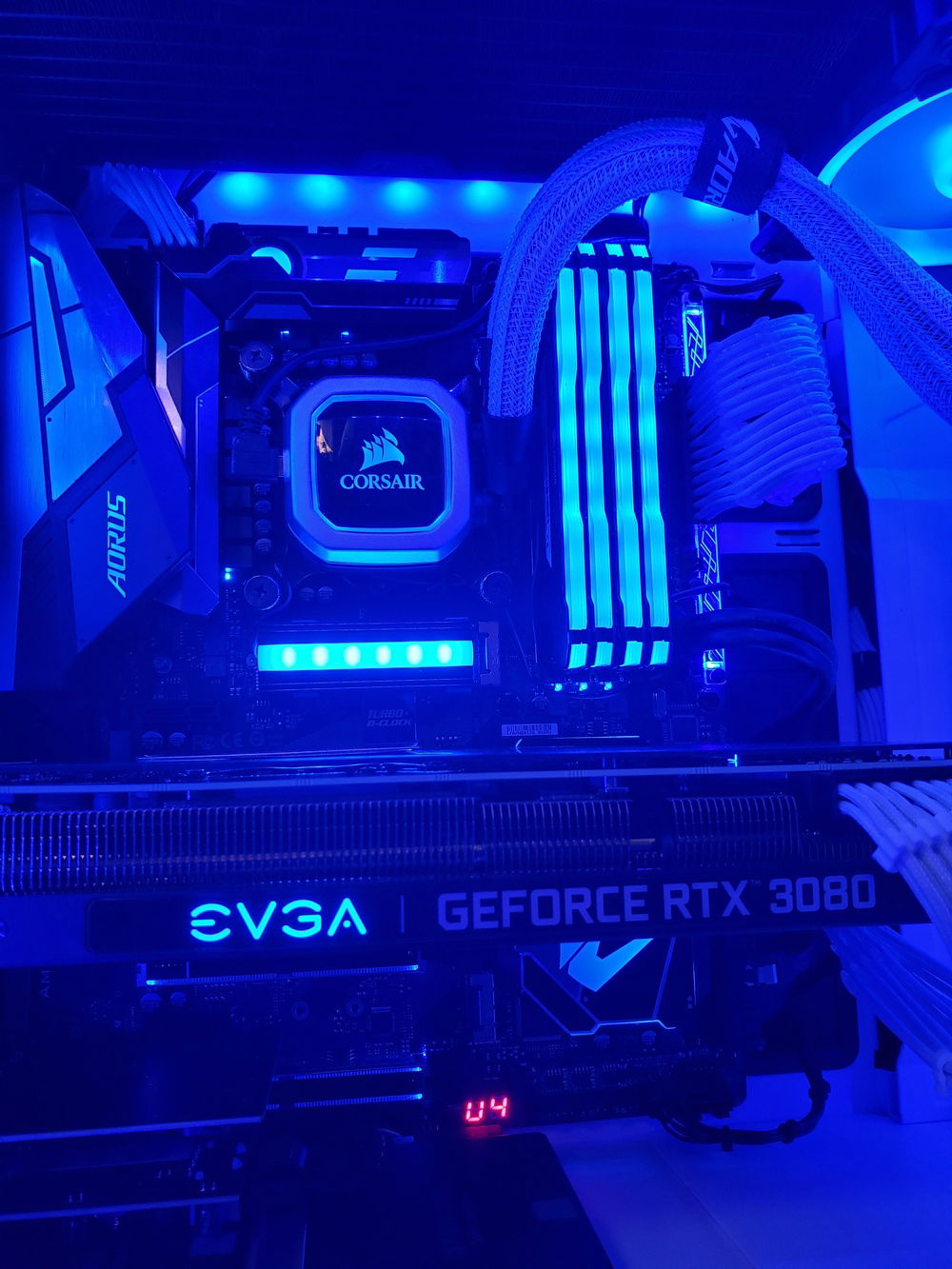
Another shot of the RTX 3080 in blue
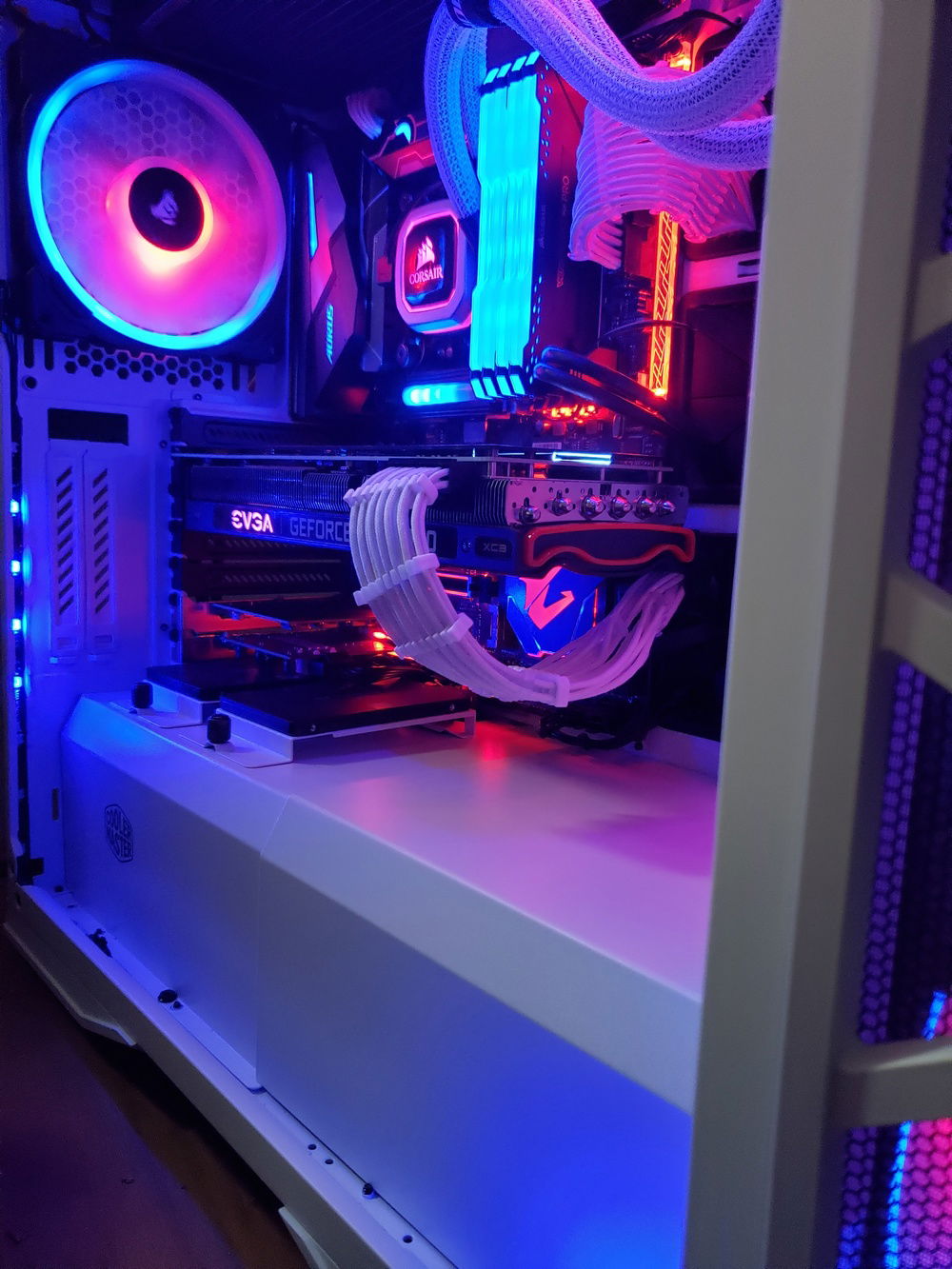
How I normally have the RGB set, red and blue.
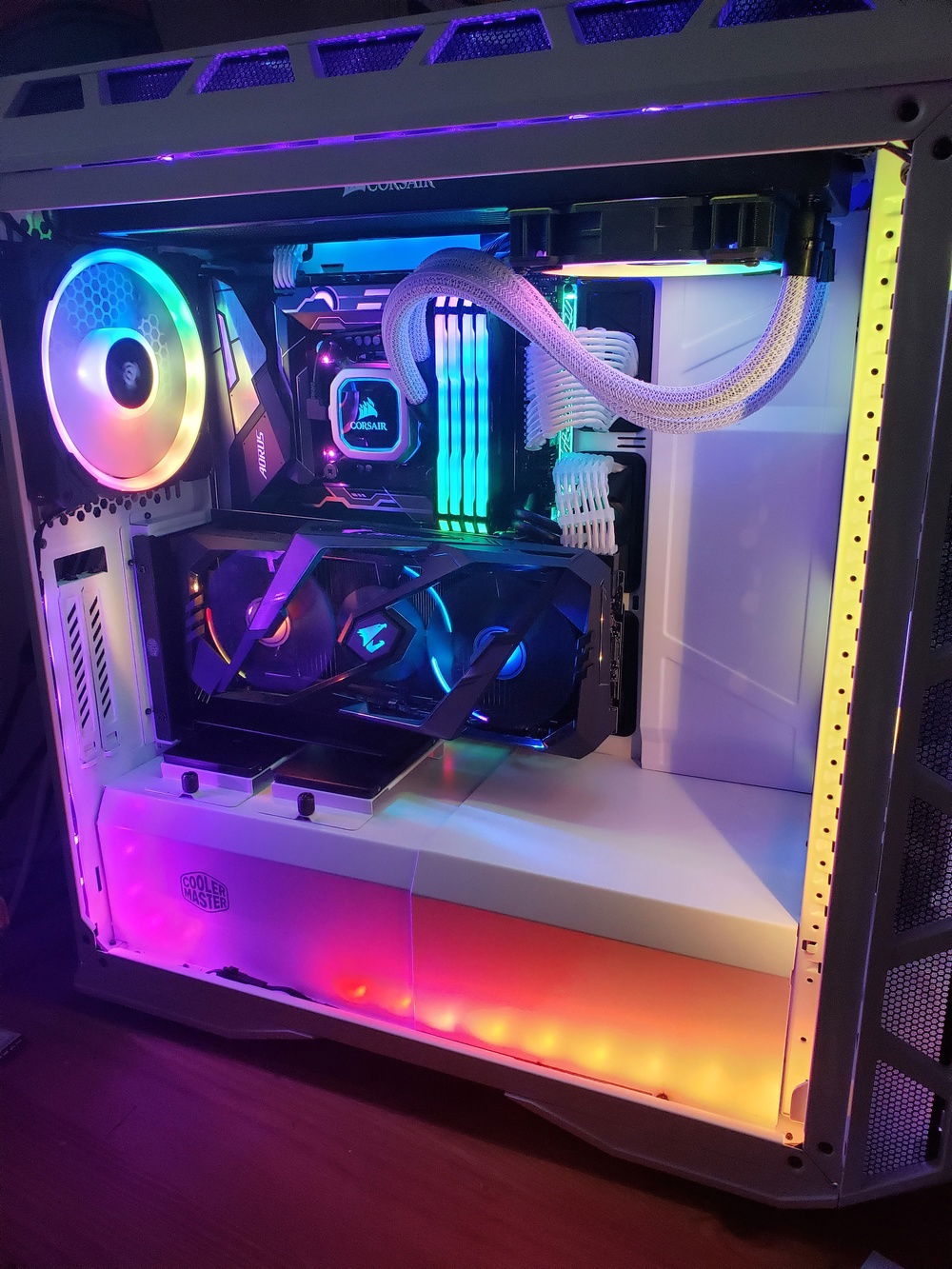
Internal view with RGBs set to rainbow vomit.
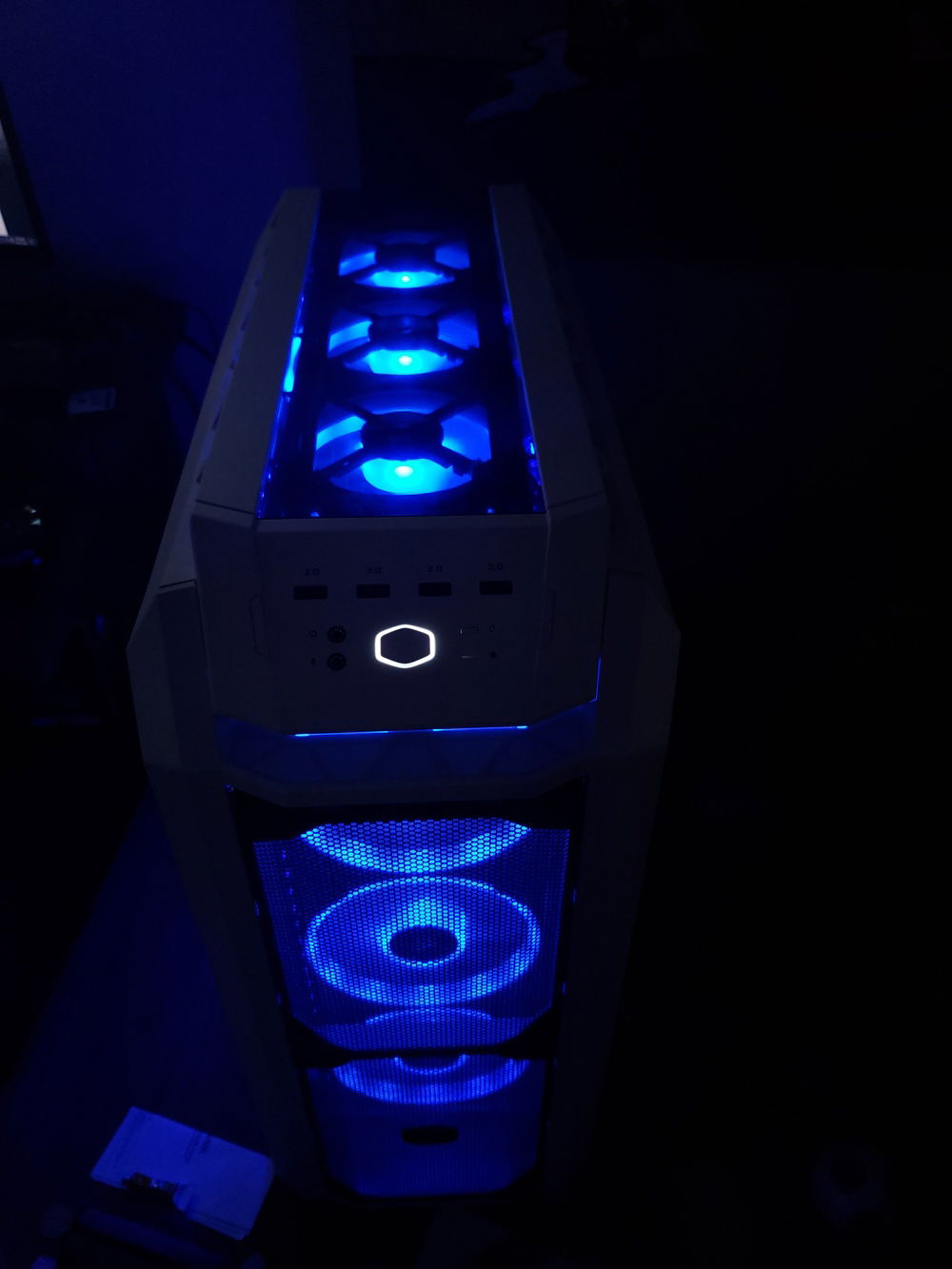
Front and top fans with RGB set to Blue.
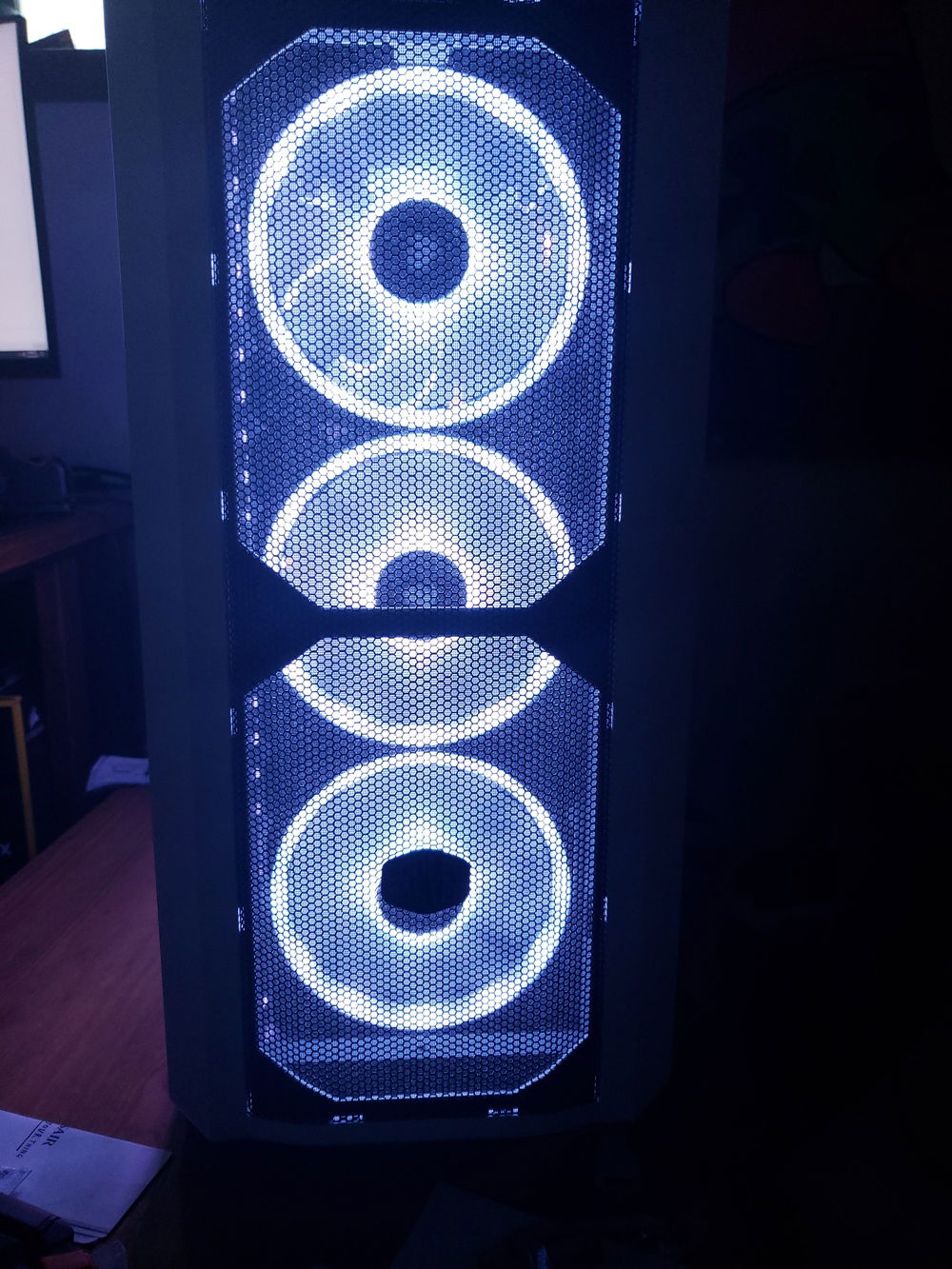
Front 3x140mm fans look better than expected! Even when compared to the stock 200mm RGB fans included with the H500P Mesh.
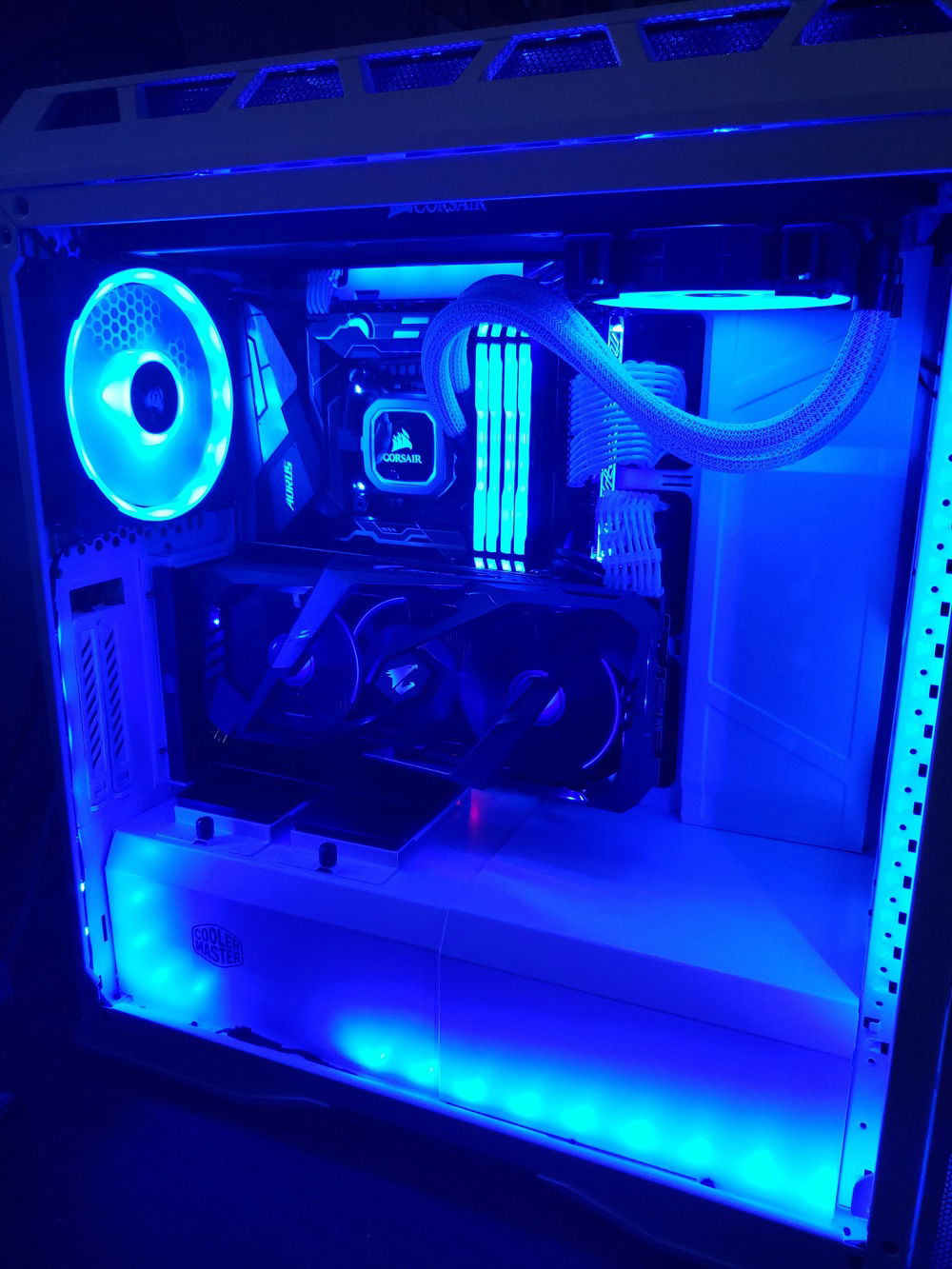
360mm Radiator is at top, I planned to do push/pull, but there wasn't enough clearance with the VRM heatsinks on the motherboard.
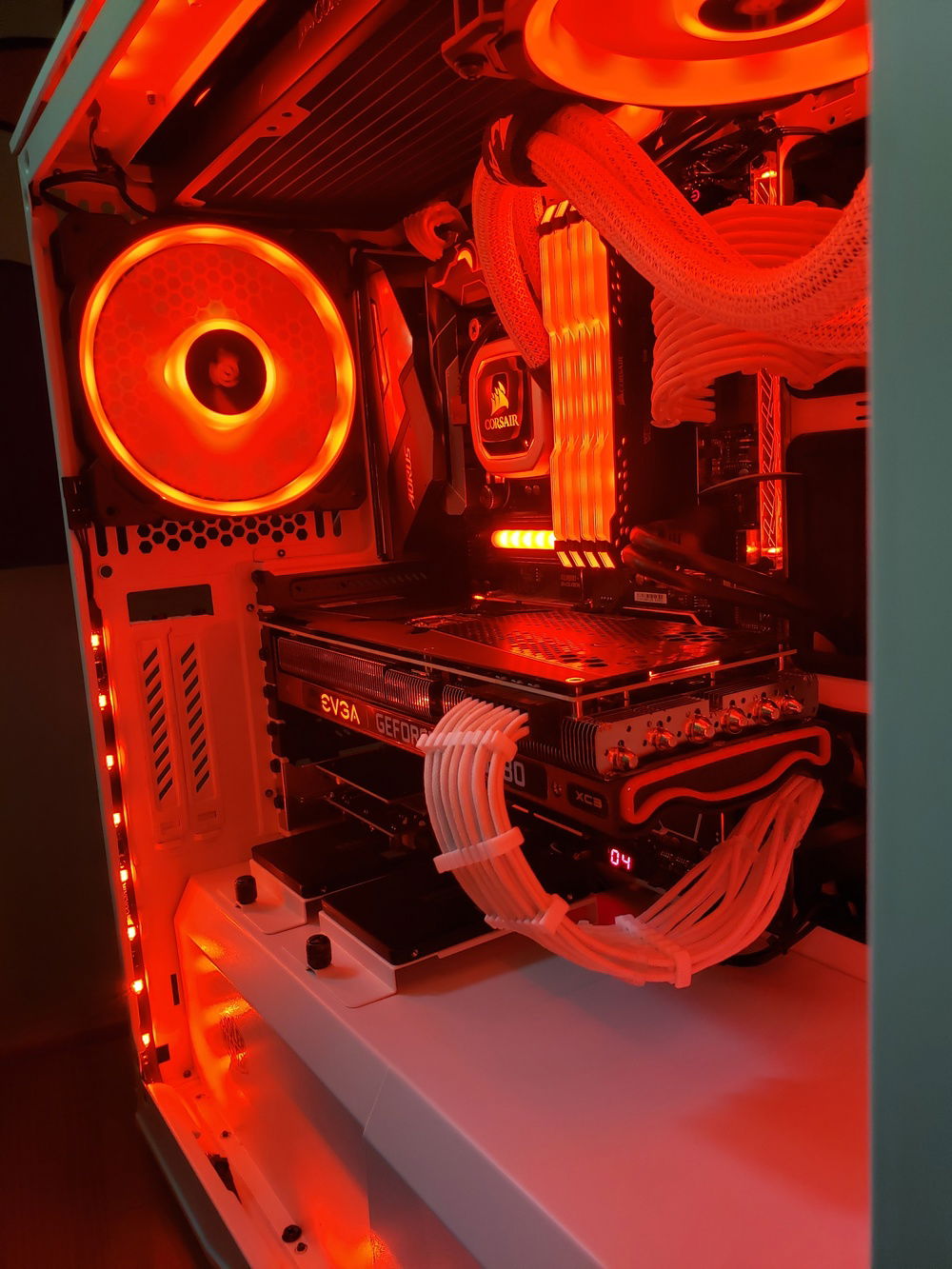
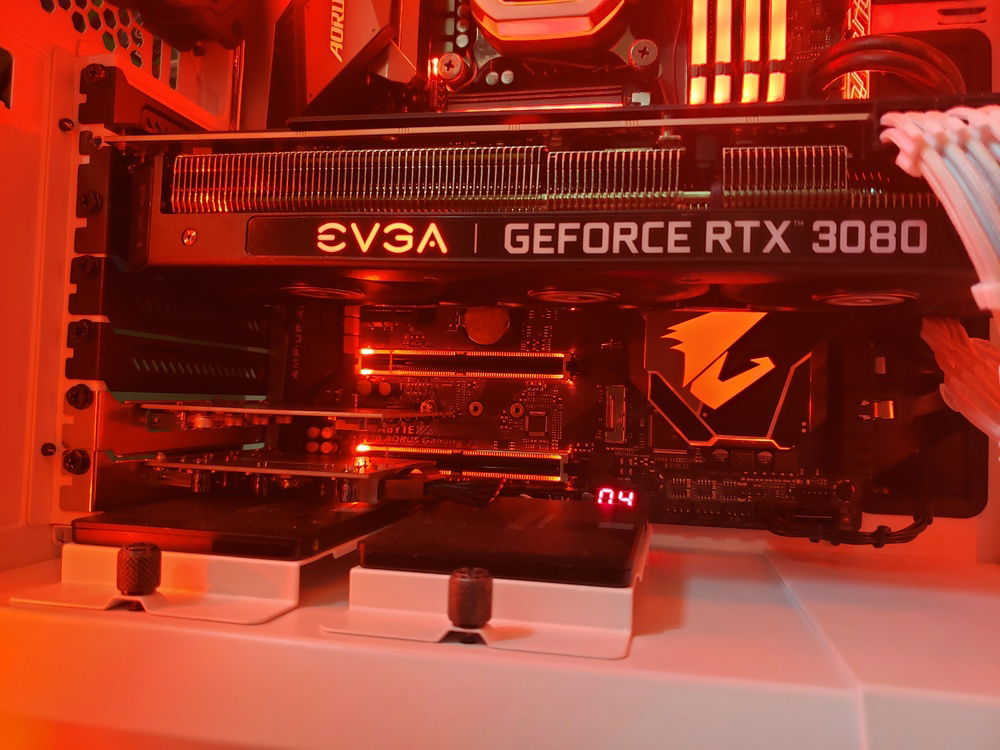
A good look at the EVGA RTX 3080 with RGBs set to red.
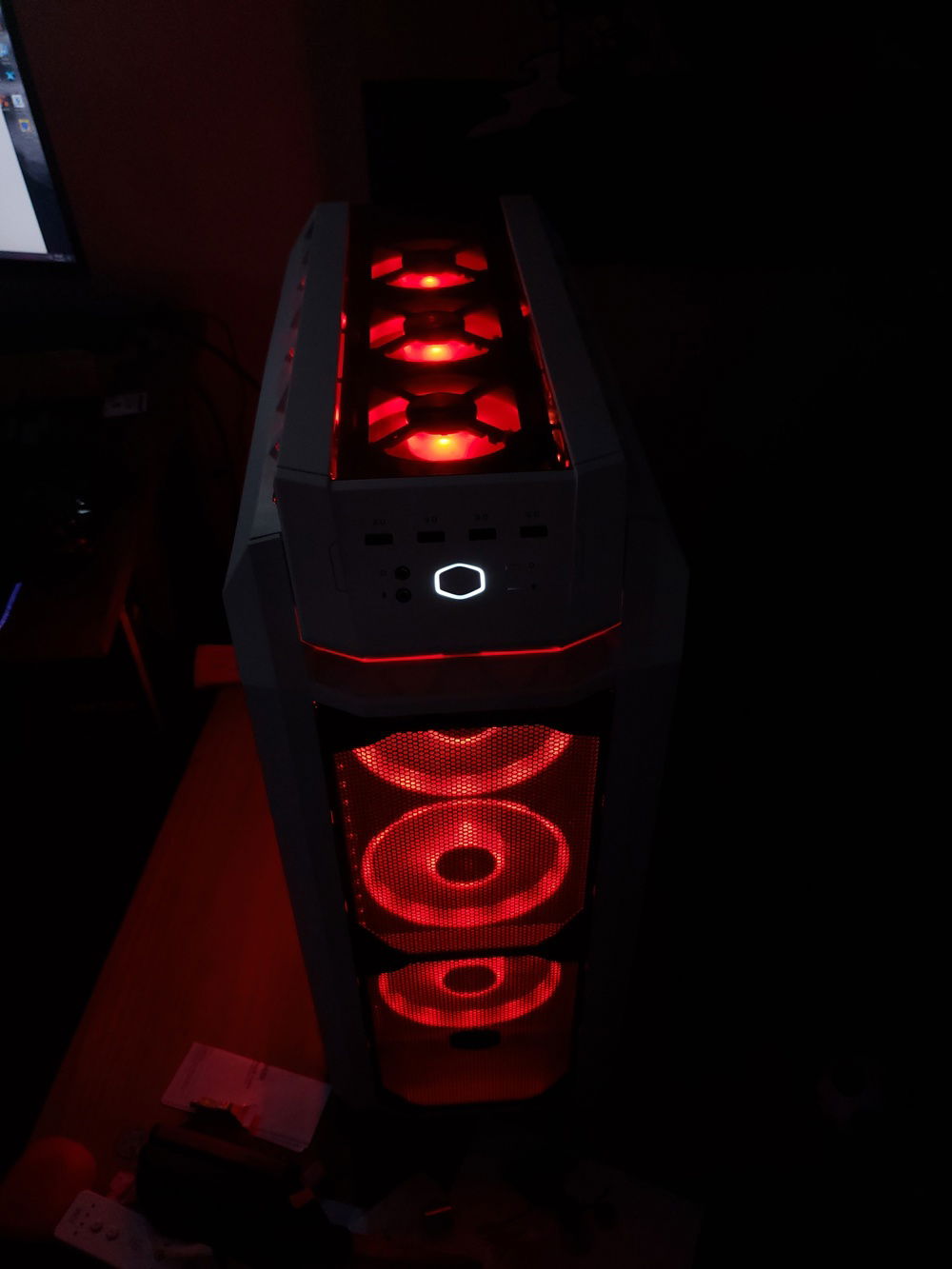
3x140mm front fans and 3x120mm top radiator fans.
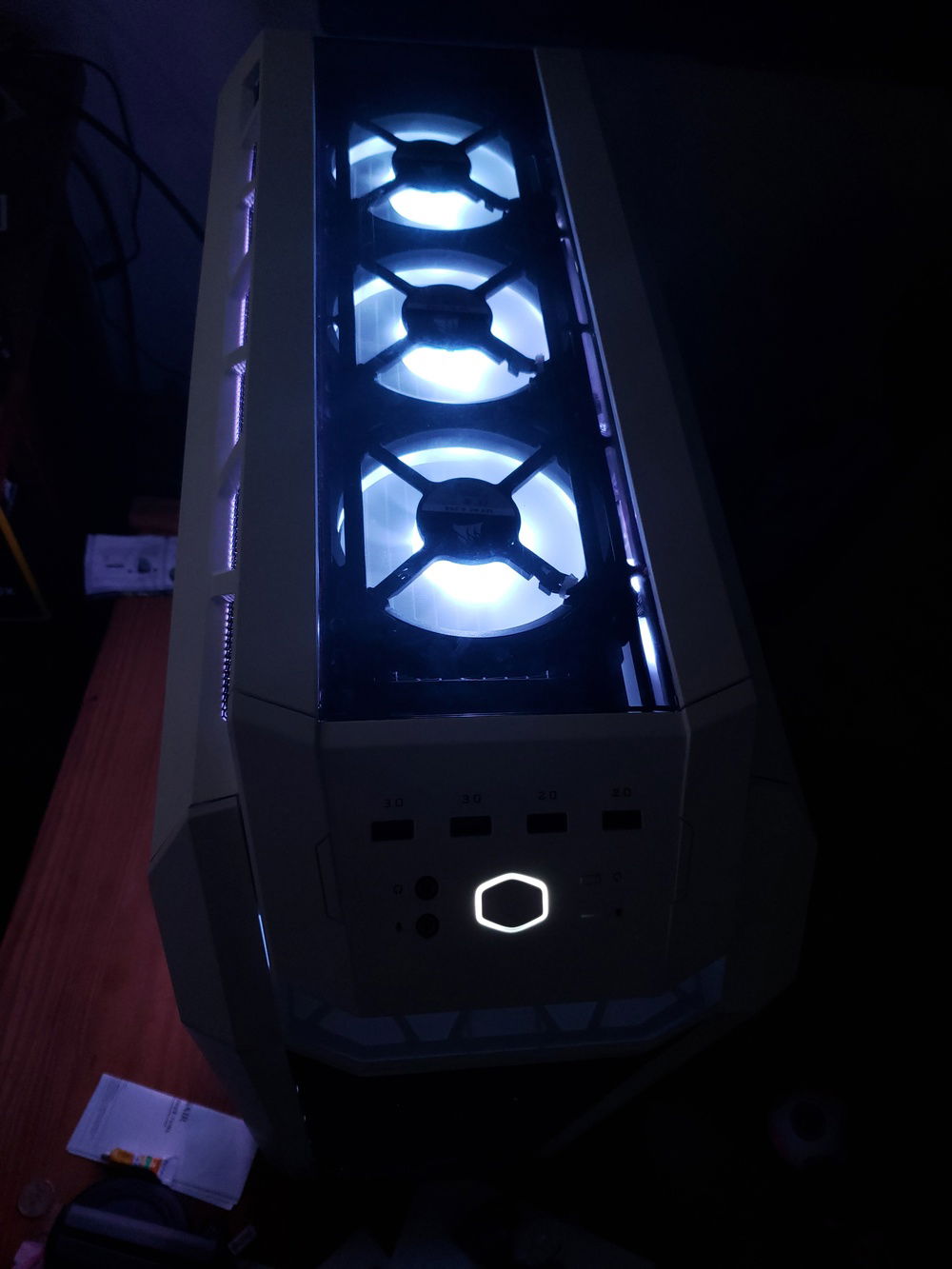
Top radiator fans set as "pull" exhausting warm air out the top.
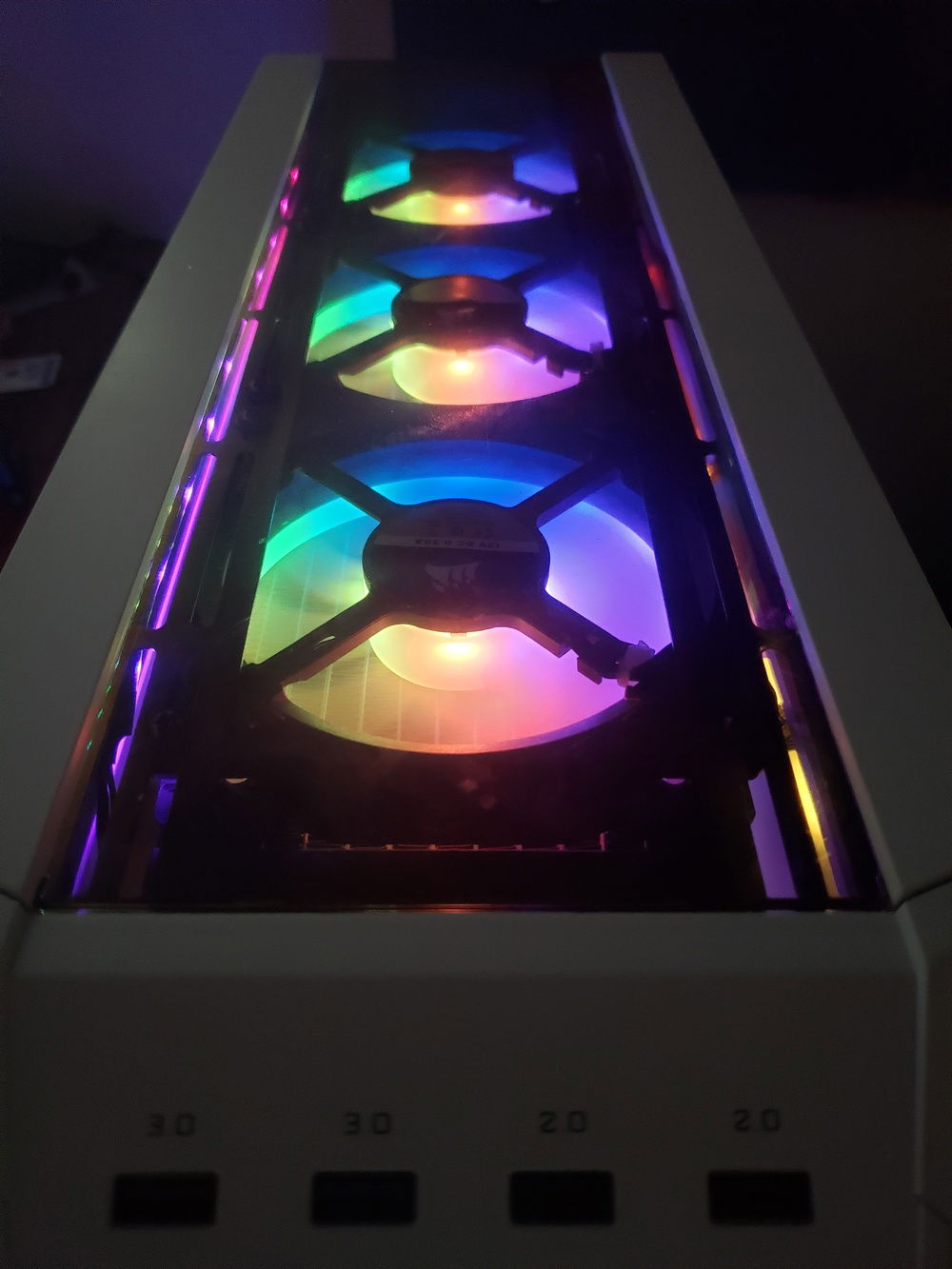
The top radiator fans with rainbow vomit.
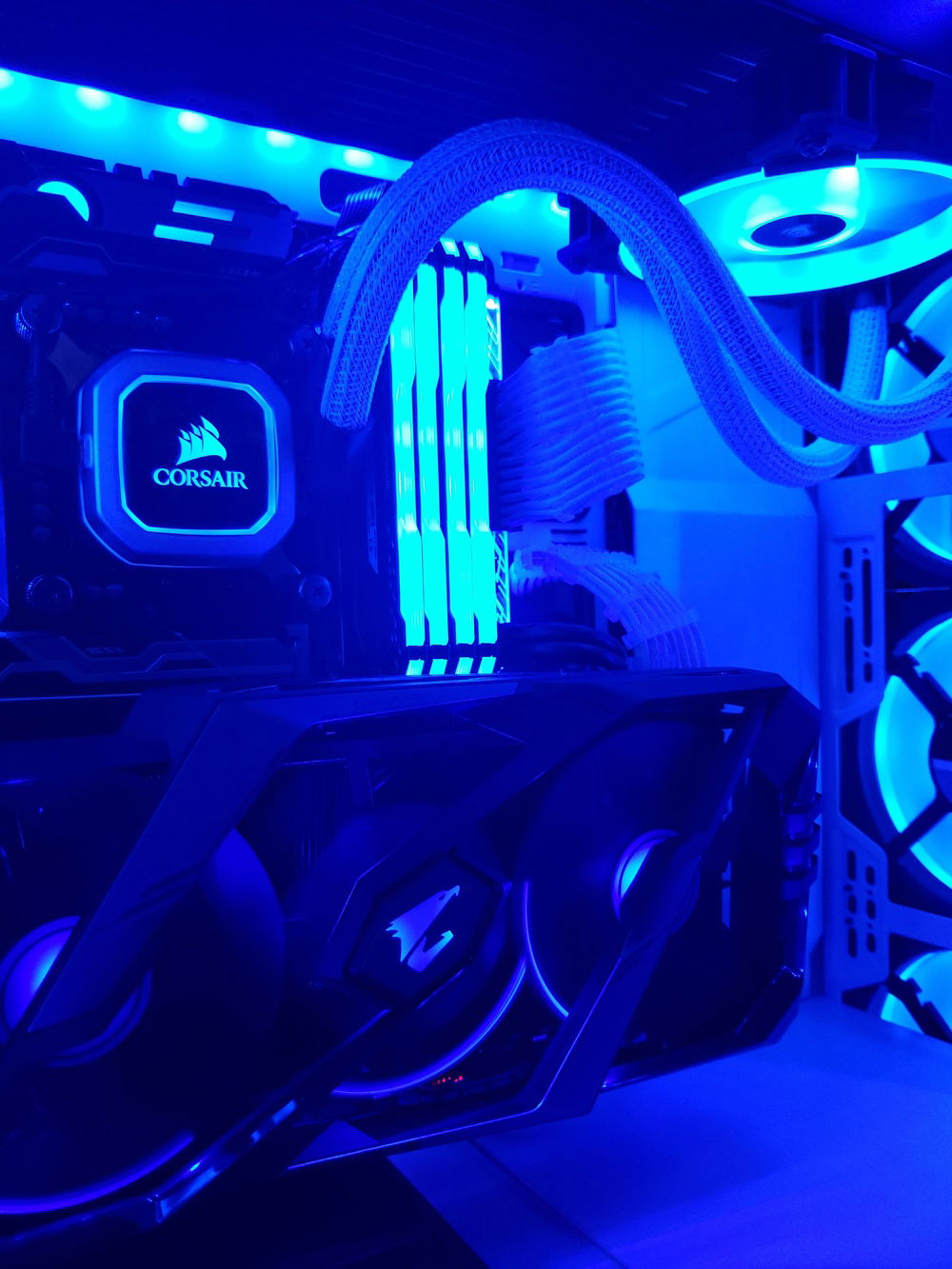
Even the AiO sleeving reflects the RGB LEDs well!
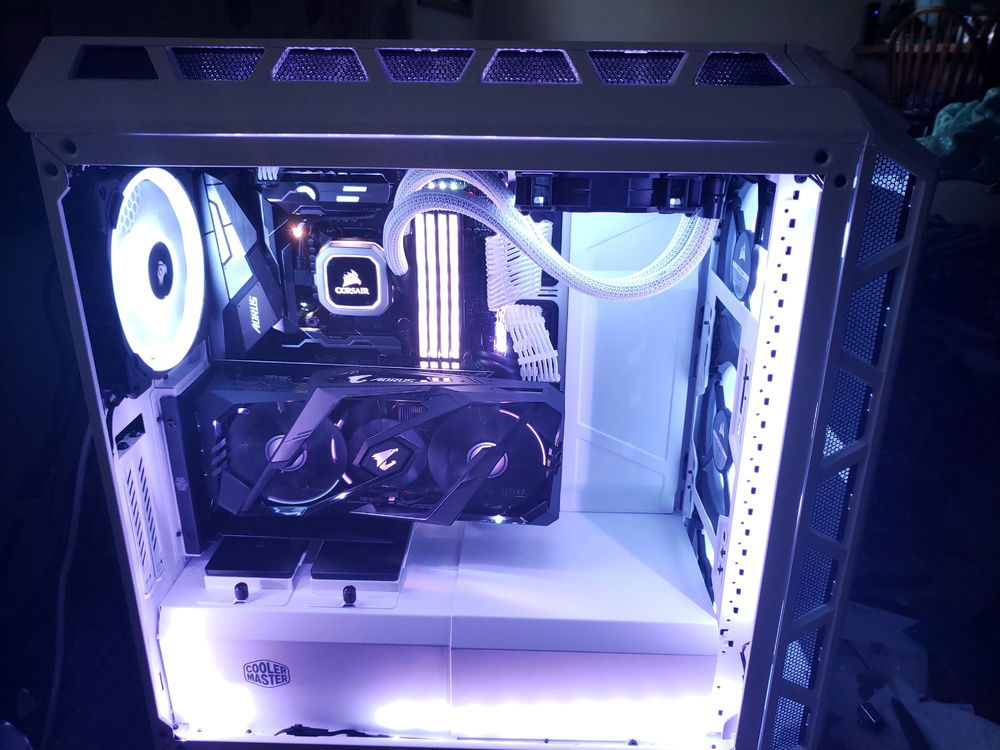
Again, the White case really helps reflect colors from all the RGB LEDs.
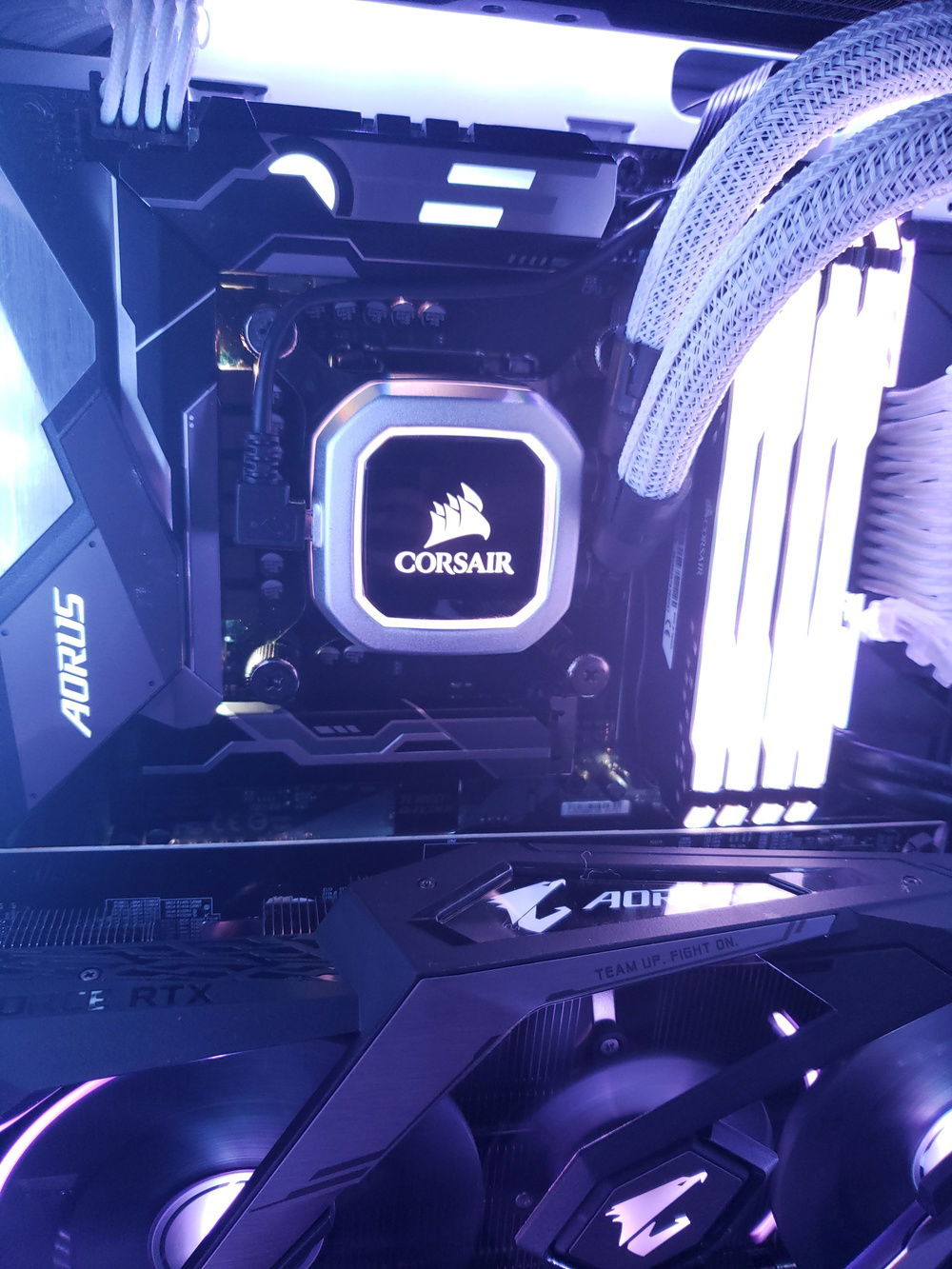
A close up of the Vengeance RGB PRO and H150i Pro
(RTX 2060 Super has since been upgraded to an EVGA RTX 3080)
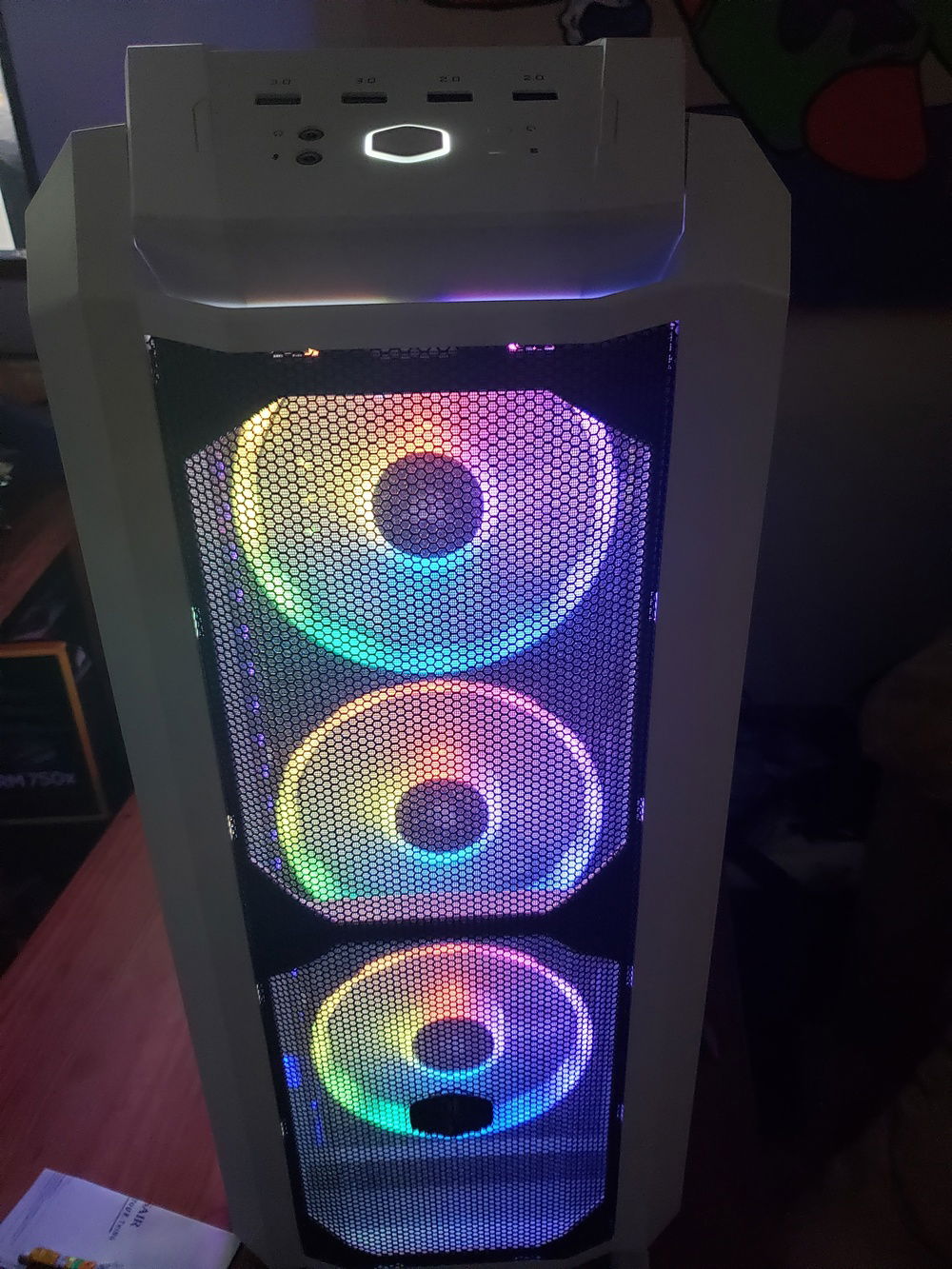
Front 3x140mm Fans in Rainbow vomit colors.
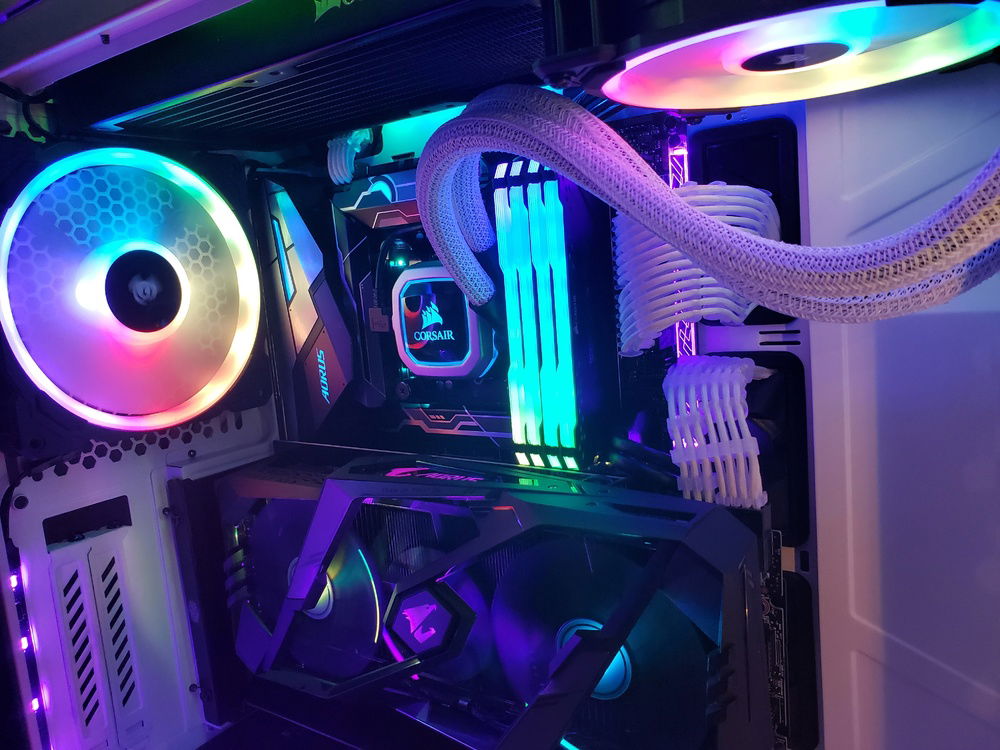
More Rainbow Vomit
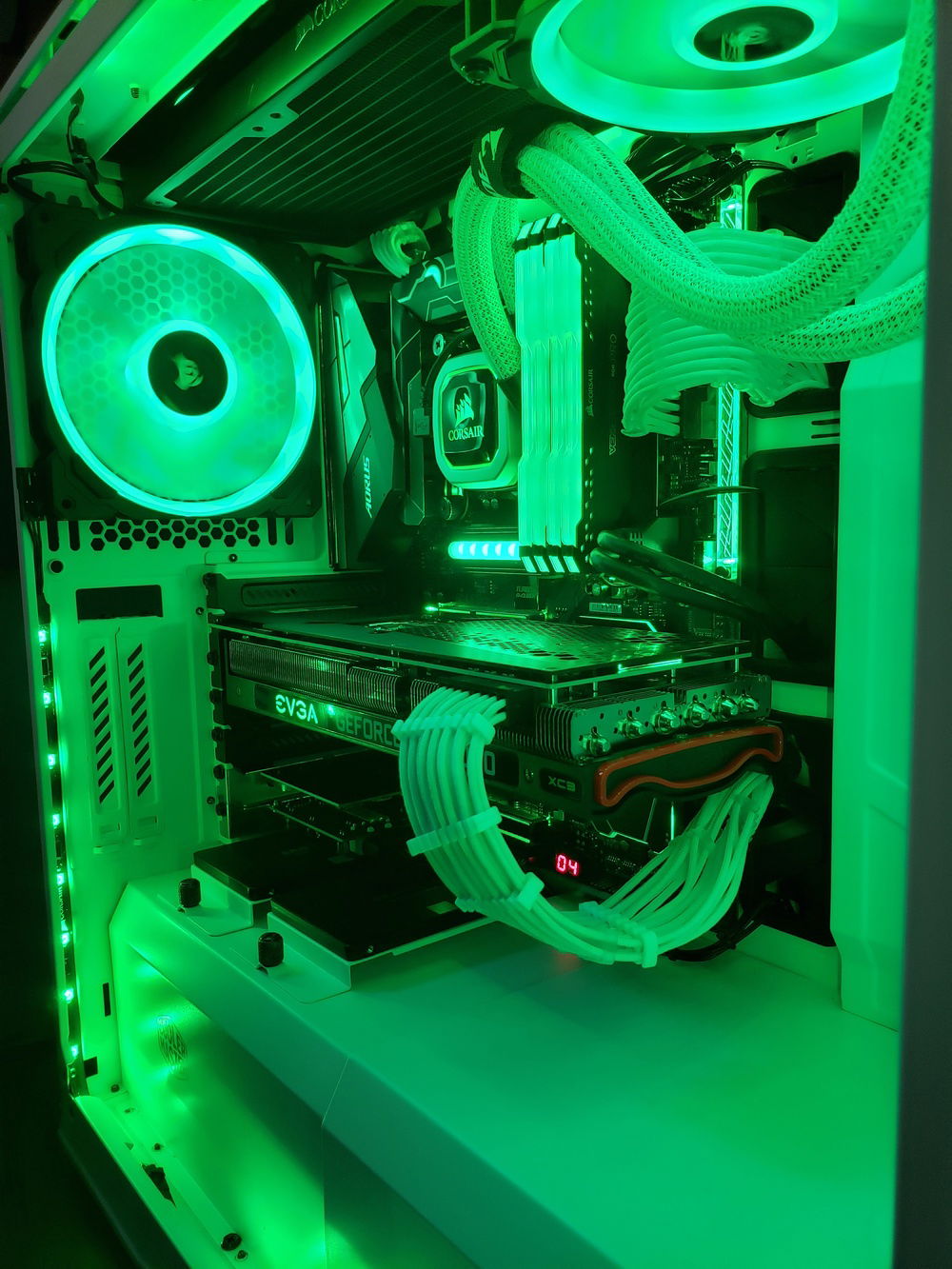
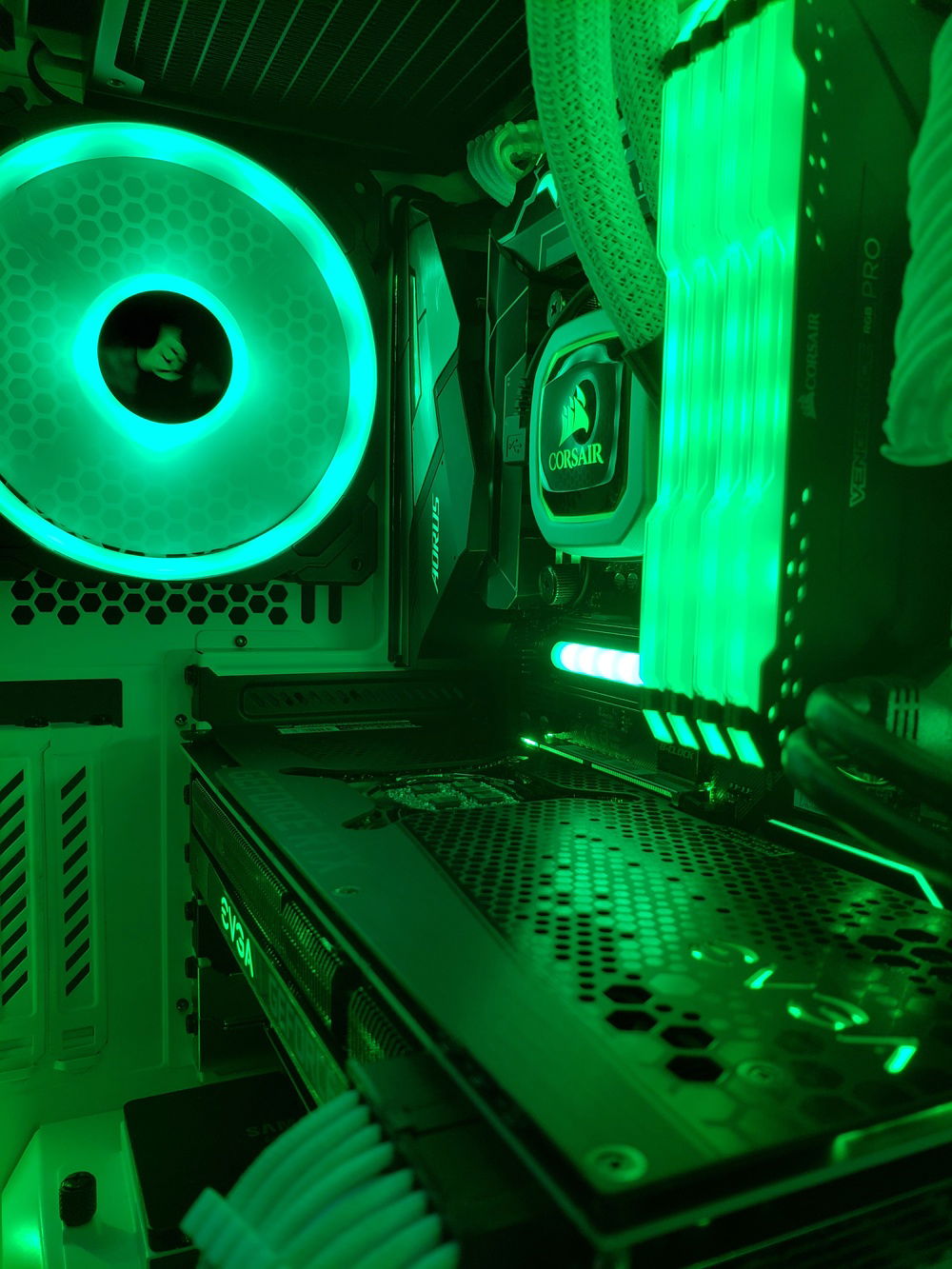
More green!
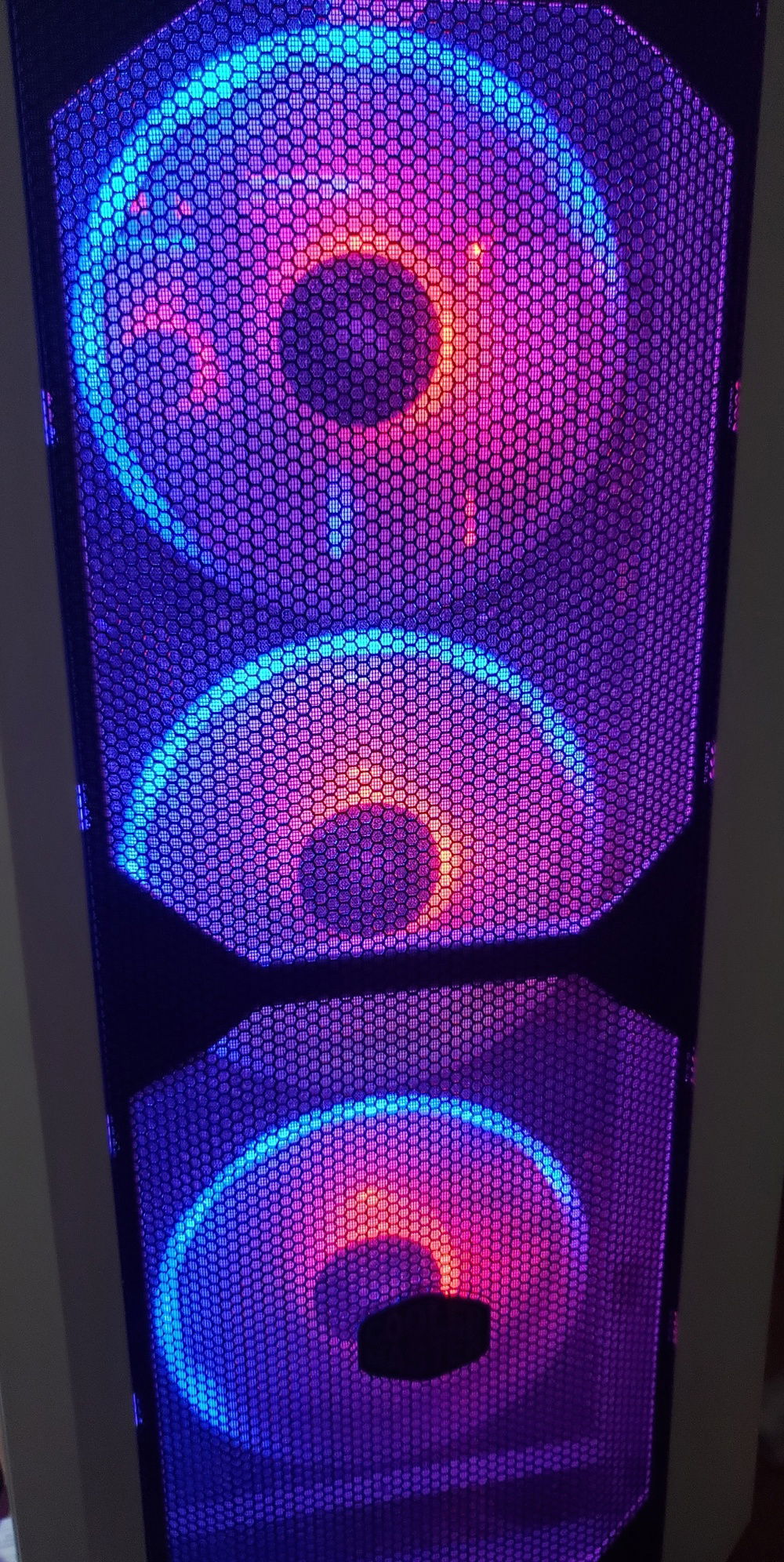
Red and Blue for the front fans

RTX 3080 i9-9900k H500P Mesh RGB
AD:
This build has been upgraded over time (thus the 9900k on Z370 for example)
Originally I had an i5-8400 I found the motherboard on clearance at the local Micro Center, a deal that was too good to pass up. Having later upgraded to the i9-9900k, I'm very happy I had spent the few extra dollars on a high end Z370 motherboard. The Z370 Aorus Gaming 7 has no issue with the i9-9900k at 5.0 GHz, and have no doubt it is capable of pushing it to 5.1+GHz, if my 9900k would allow. The only issue I ran into initially was high VRM temperatures, after some research I found that it wasn't uncommon for the VRM heatsinks to become loose. Sure enough I tightened the screws holding the VRM heatsinks down, and VRM temperatures dropped by 10°C-20°C.
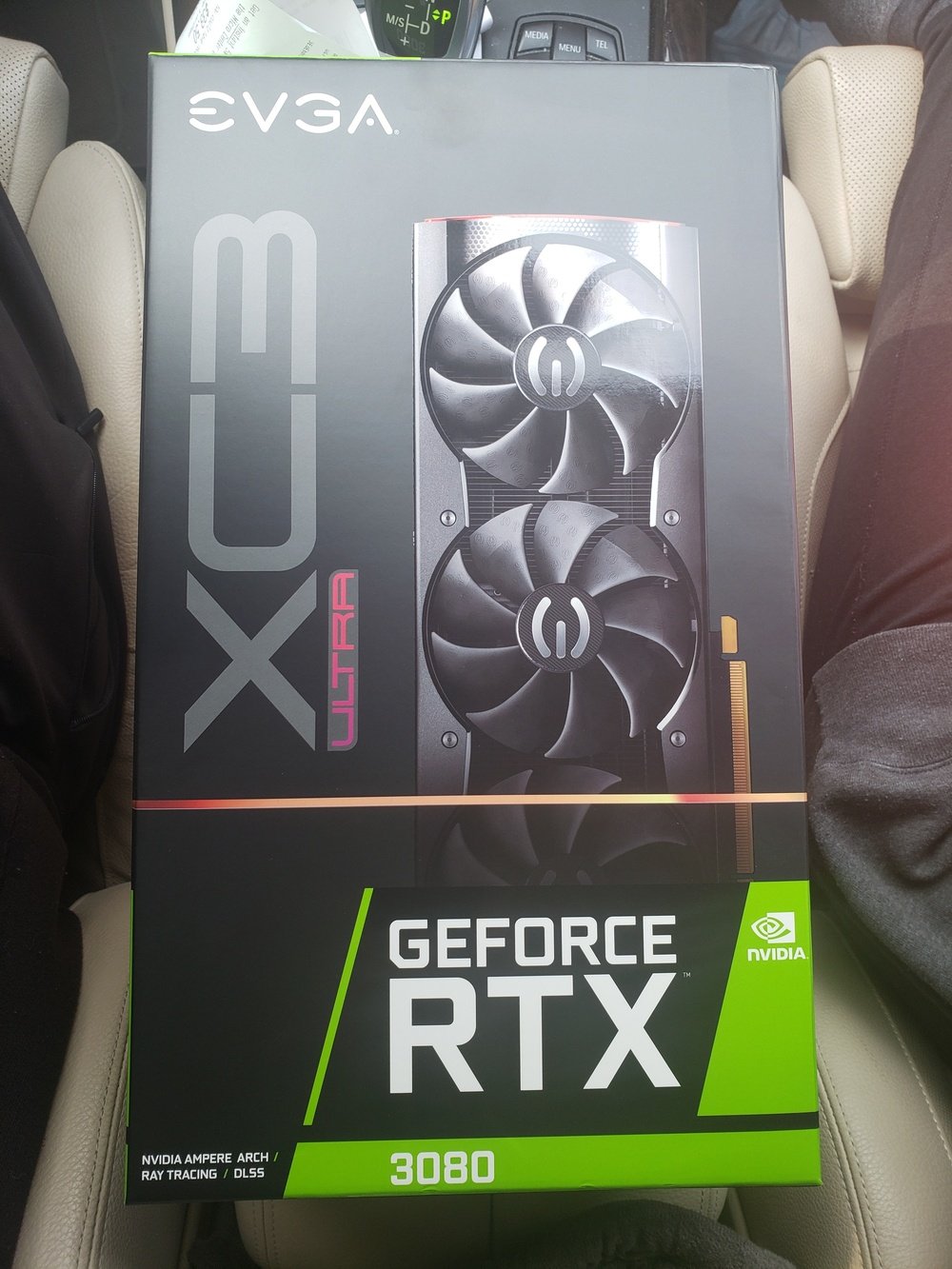
This build is used mostly for gaming. I was lucky enough to get an EVGA RTX 3080 XC3 Ultra on launch day. This build originally had a Gigabyte Aorus RTX 2060 SUPER, so some of the images may have that instead of the more recent EVGA RTX 3080 XC3.
In 2019, 3rd gen Ryzen is an amazing value! Much better in terms of value for money when compared to Intel. However my since I already have a high quality Z370 motherboard, a 9900k was an obvious upgrade choice. Had I not already had the motherboard I almost certainly would've gone with Ryzen.
HERE is the PCPartPicker List
Originally I had an i5-8400 I found the motherboard on clearance at the local Micro Center, a deal that was too good to pass up. Having later upgraded to the i9-9900k, I'm very happy I had spent the few extra dollars on a high end Z370 motherboard. The Z370 Aorus Gaming 7 has no issue with the i9-9900k at 5.0 GHz, and have no doubt it is capable of pushing it to 5.1+GHz, if my 9900k would allow. The only issue I ran into initially was high VRM temperatures, after some research I found that it wasn't uncommon for the VRM heatsinks to become loose. Sure enough I tightened the screws holding the VRM heatsinks down, and VRM temperatures dropped by 10°C-20°C.
This build is used mostly for gaming. I was lucky enough to get an EVGA RTX 3080 XC3 Ultra on launch day. This build originally had a Gigabyte Aorus RTX 2060 SUPER, so some of the images may have that instead of the more recent EVGA RTX 3080 XC3.
In 2019, 3rd gen Ryzen is an amazing value! Much better in terms of value for money when compared to Intel. However my since I already have a high quality Z370 motherboard, a 9900k was an obvious upgrade choice. Had I not already had the motherboard I almost certainly would've gone with Ryzen.
HERE is the PCPartPicker List
Color(s): Black White
RGB Lighting? Yes
Theme: none
Cooling: AIO Cooling
Size: ATX
Type: General Build
Hardware
CPU
$ 449.00
Motherboard
$ 149.99
Memory
$ 398.44
Graphics
$ 769.99
Storage
$ 88.98
Storage
$ 114.99
Silicon Power - Silicon Power 1TB NVMe PCIe Gen3 x4 M.2 2280 R/W up to 3,200/3,000 MB/s SSD (SP001TBP34A80M28)
Form Factor: M.2
Capacity: 1 TB
Storage
$ 74.85
Case
$ 204.60
Case Fan
$ 158.44
Case Fan
$ 319.92
Cooling
$ 399.00
CableMod
CableMod
Accessories
$ 17.18
Accessories
$ 74.29
Accessories
$ 64.99
Accessories
$ 74.90
Keyboard
$ 249.66
Mouse
$ 79.99
Approved by: