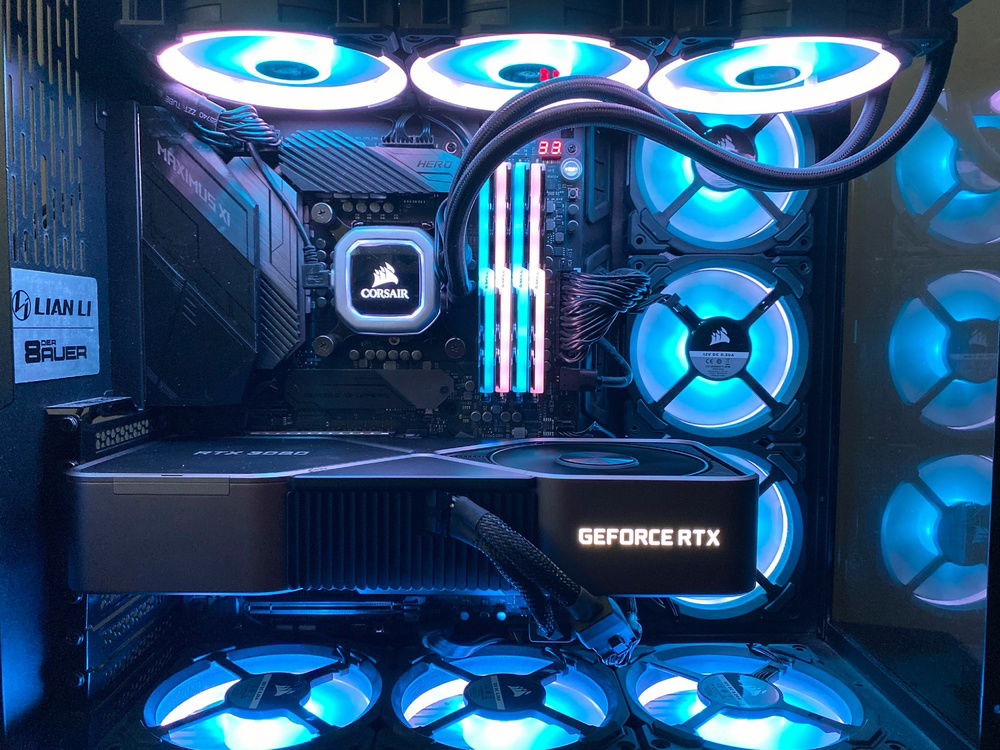
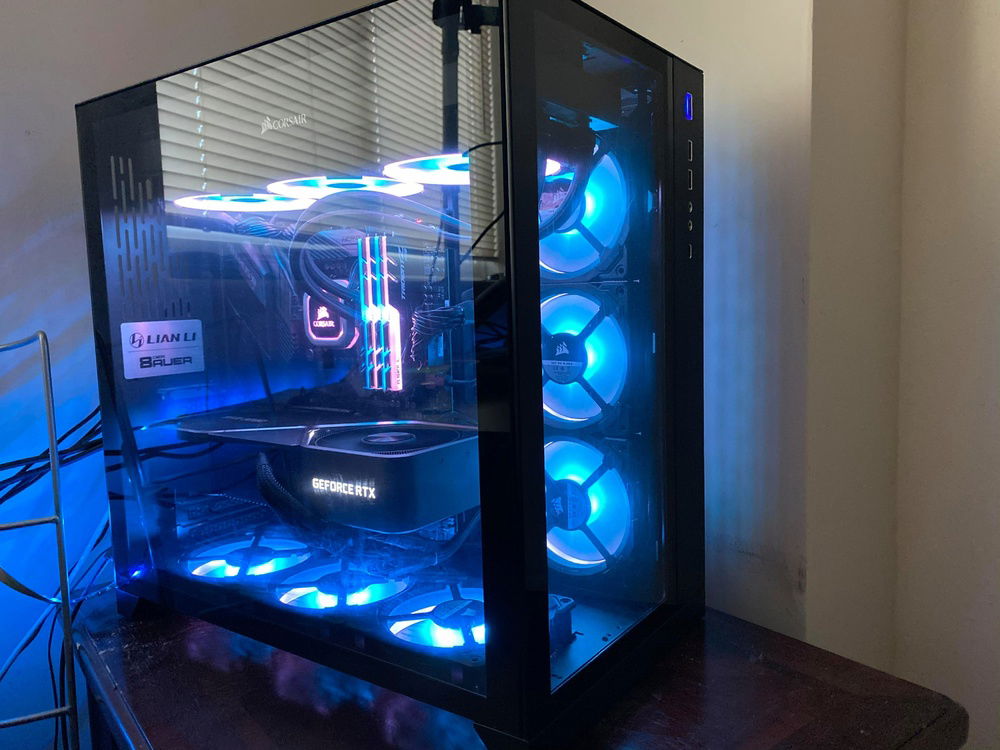
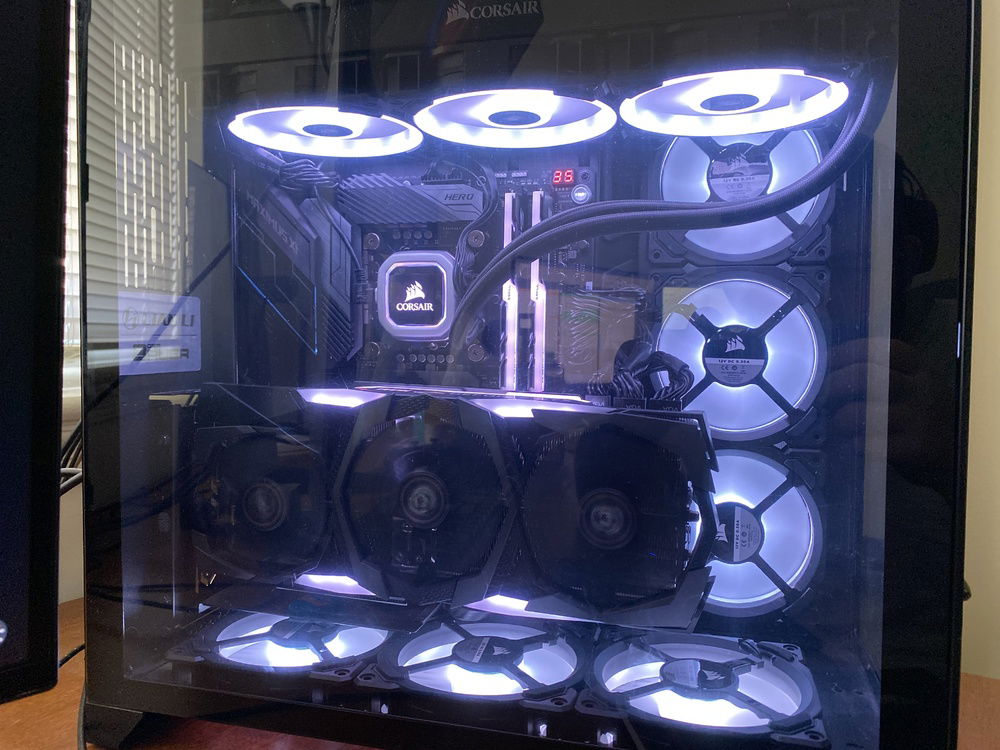
Push/pull configuration update and bottom row lit up.
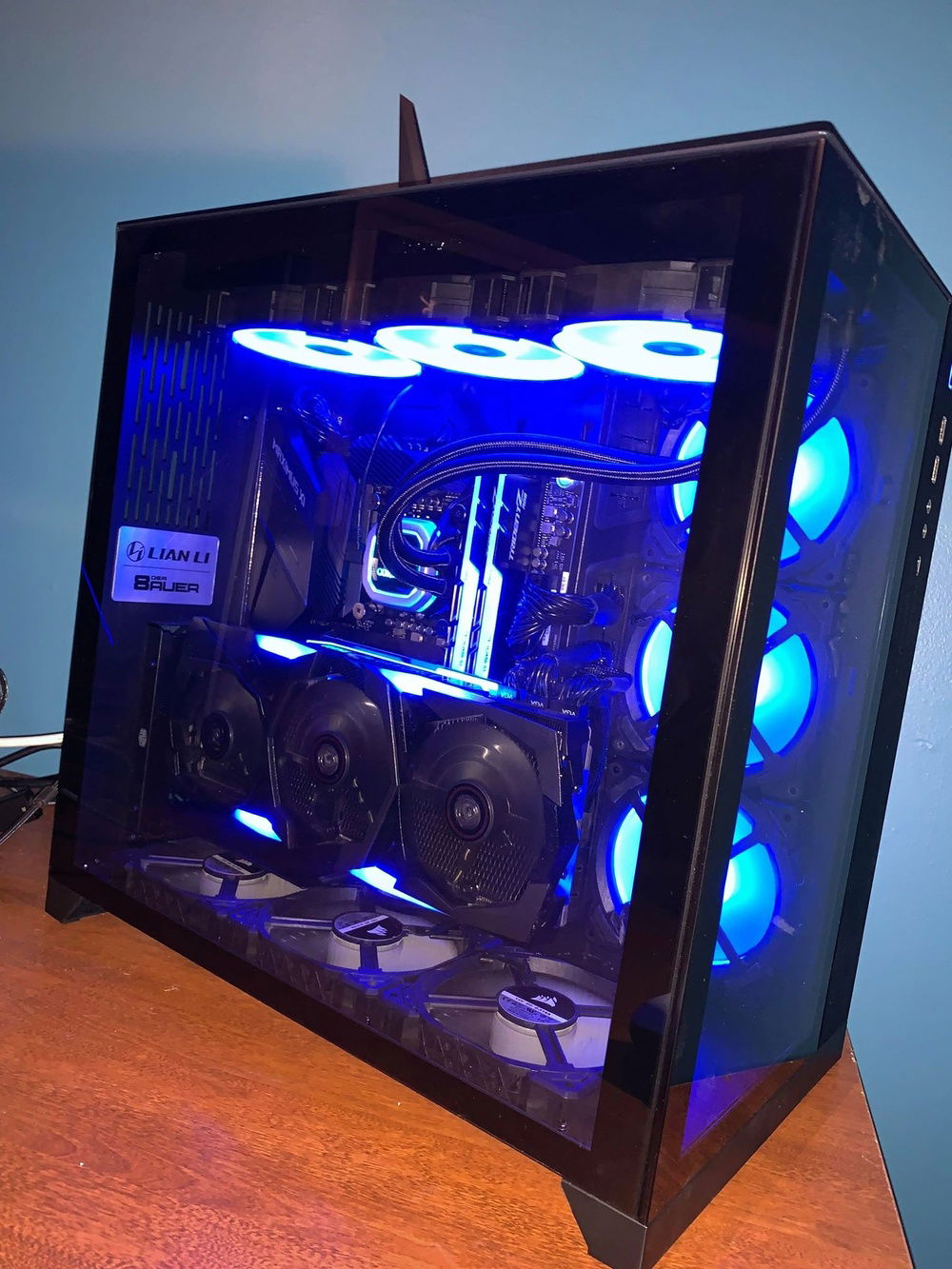
Full build
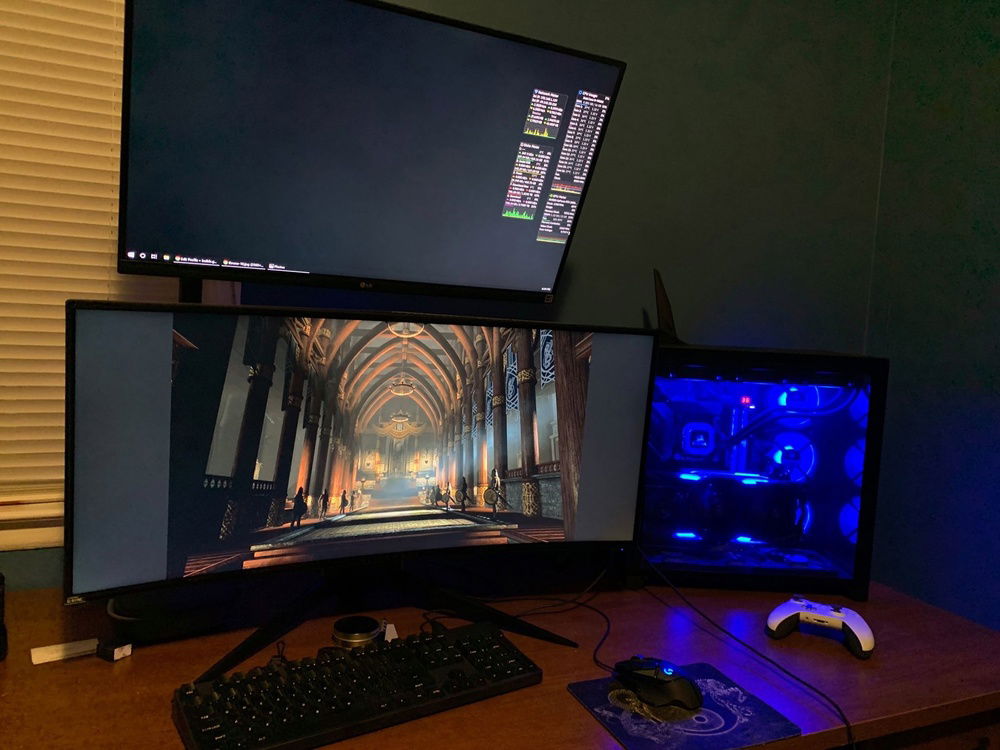
Desk
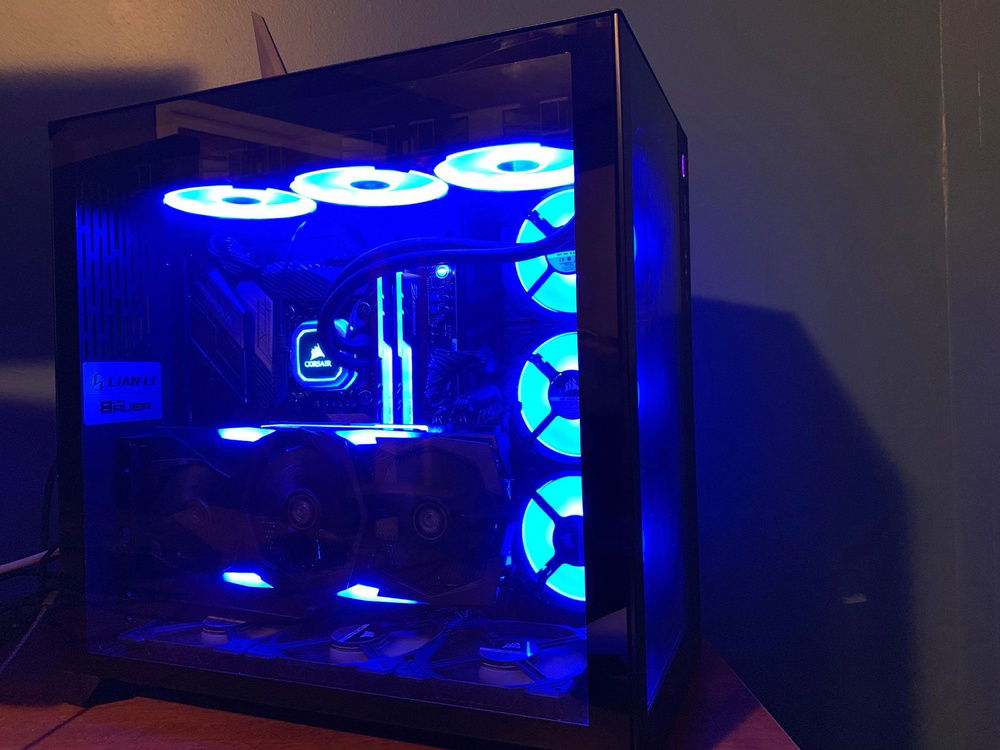
Full build
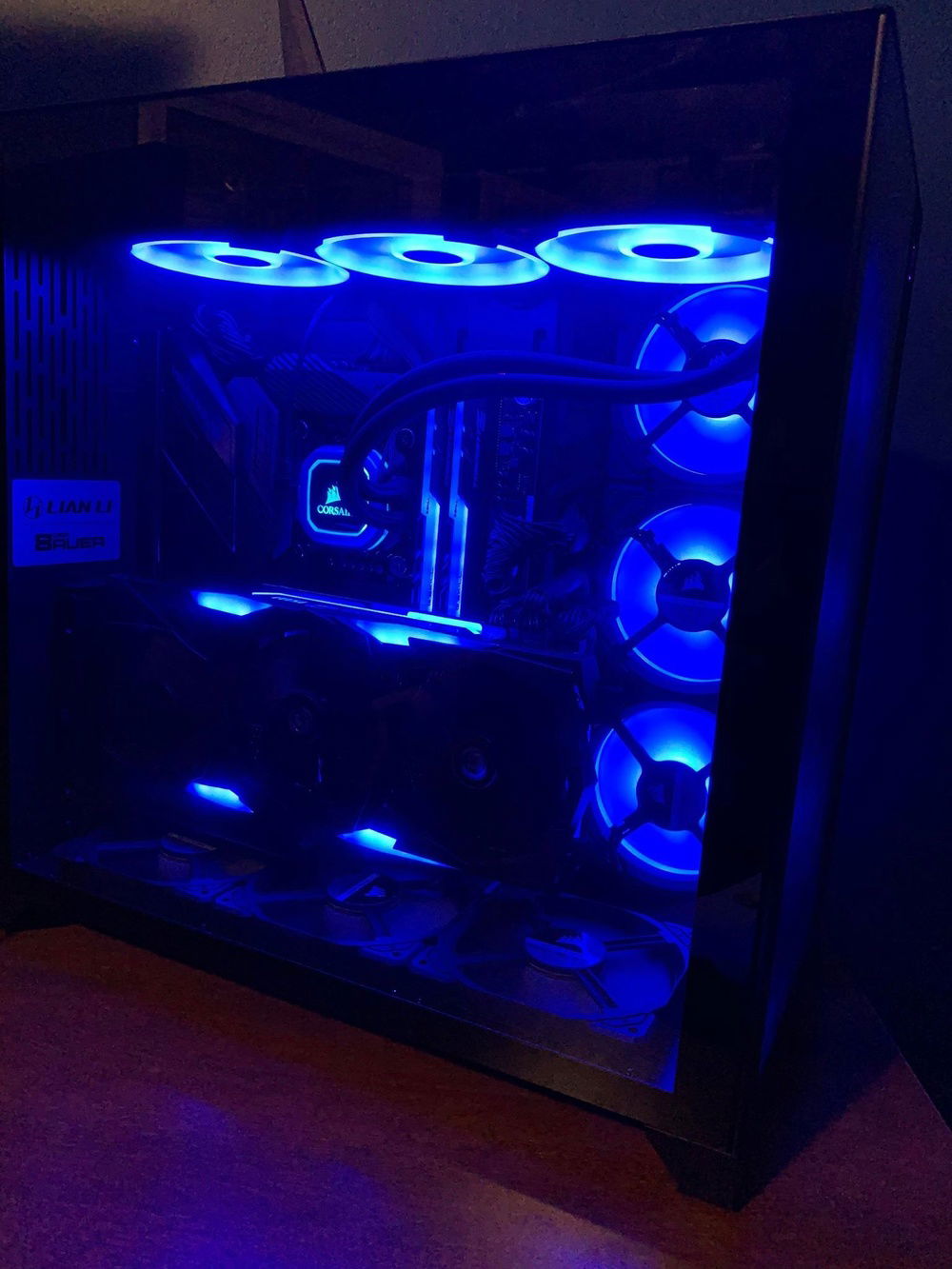
Full build
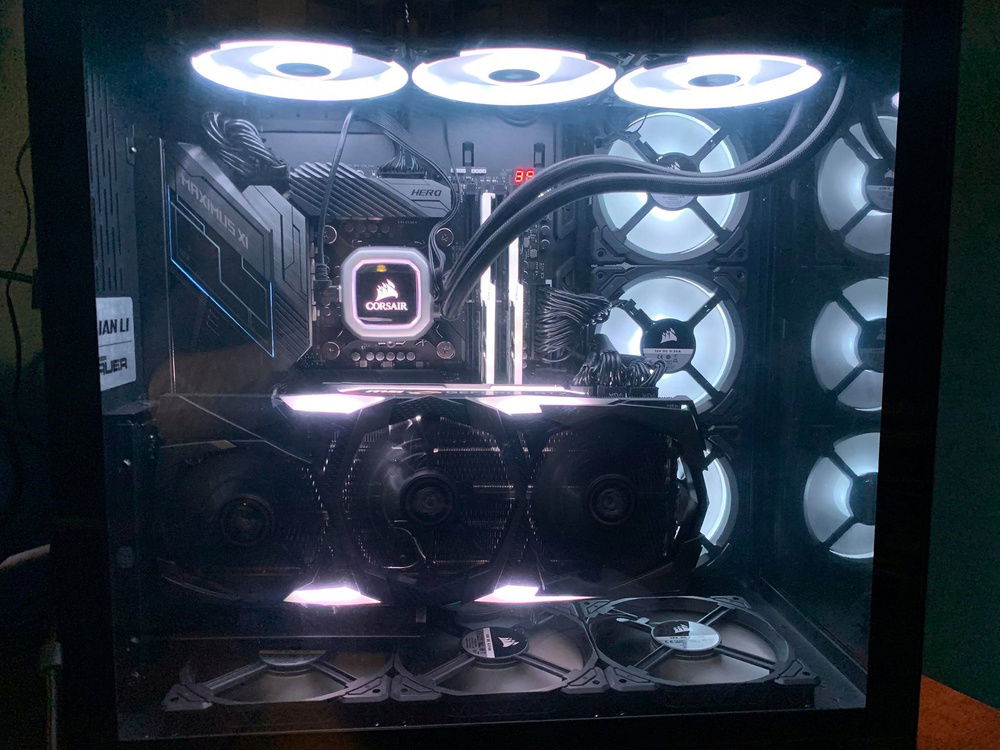
The builds on here inspired me to go with white RGB

King's Ransom (Sakura Bubblegum)
AD:
*Update* Added more Memory and replaced the RTX 2080 ti MSI Gaming Trio with a RTX 3090 FE
This is a video before I put the Vertical mount in. The reason I used the Vertical mount was not for aesthetics but more for cooling. When it horizontal it allowed the VRAM to heat up too much as no air was passing over it. The change allowed me to increase the memory overclock from +800 to +900.
*Update* The GPU has been replaced because the micron memory failed. The new GPU overclocks to +1300 on the Samsung Memory. Same make and model.
Additionally I replaced the fans on the bottom with more Corsair LL fans but needed the Commander Pro to set it up. Hardwarecanucks did a great video on the 011 dynamic on how to configure it and what the best airflow is.
The reason I used the Cooler Master GPU Mount over Lian Li's own was because it allowed me to keep the fans at the bottom of the case.
The air is pulling from the bottom and the side to provide the graphics card ample cooling and exhausting out of the top. Hardwarecanucks go over this in their video where they test cooling in all orientations.
It's not the most creative but I took time to research part and put my heart into it.
This is a video before I put the Vertical mount in. The reason I used the Vertical mount was not for aesthetics but more for cooling. When it horizontal it allowed the VRAM to heat up too much as no air was passing over it. The change allowed me to increase the memory overclock from +800 to +900.
*Update* The GPU has been replaced because the micron memory failed. The new GPU overclocks to +1300 on the Samsung Memory. Same make and model.
Additionally I replaced the fans on the bottom with more Corsair LL fans but needed the Commander Pro to set it up. Hardwarecanucks did a great video on the 011 dynamic on how to configure it and what the best airflow is.
The reason I used the Cooler Master GPU Mount over Lian Li's own was because it allowed me to keep the fans at the bottom of the case.
The air is pulling from the bottom and the side to provide the graphics card ample cooling and exhausting out of the top. Hardwarecanucks go over this in their video where they test cooling in all orientations.
It's not the most creative but I took time to research part and put my heart into it.
Color(s): Black
RGB Lighting? Yes
Theme: Technology
Cooling: AIO Cooling
Size: ATX
Type: General Build
Contests
This build participated in 3 contests.
| Rank | Contest | Date |
|---|---|---|
| #63 | Build of the Month - November 2020 | ended |
| #205 | The builds.gg Stock Cooling Showdown - AIO Cooling Division | ended |
| #1198 | The builds.gg 10K Challenge | ended |
Hardware
CPU
$ 449.00
Motherboard
$ 405.63
Memory
$ 1,059.96
Graphics
$ 1,519.99
Storage
$ 189.81
Storage
$ 68.44
PSU
$ 228.02
Case
$ 159.99
Case Fan
$ 159.96
Cooling
$ 399.00
Accessories
$ 39.99
Accessories
$ 74.29
Keyboard
Estimated total value of this build:
$ 4,849.70
Approved by: