
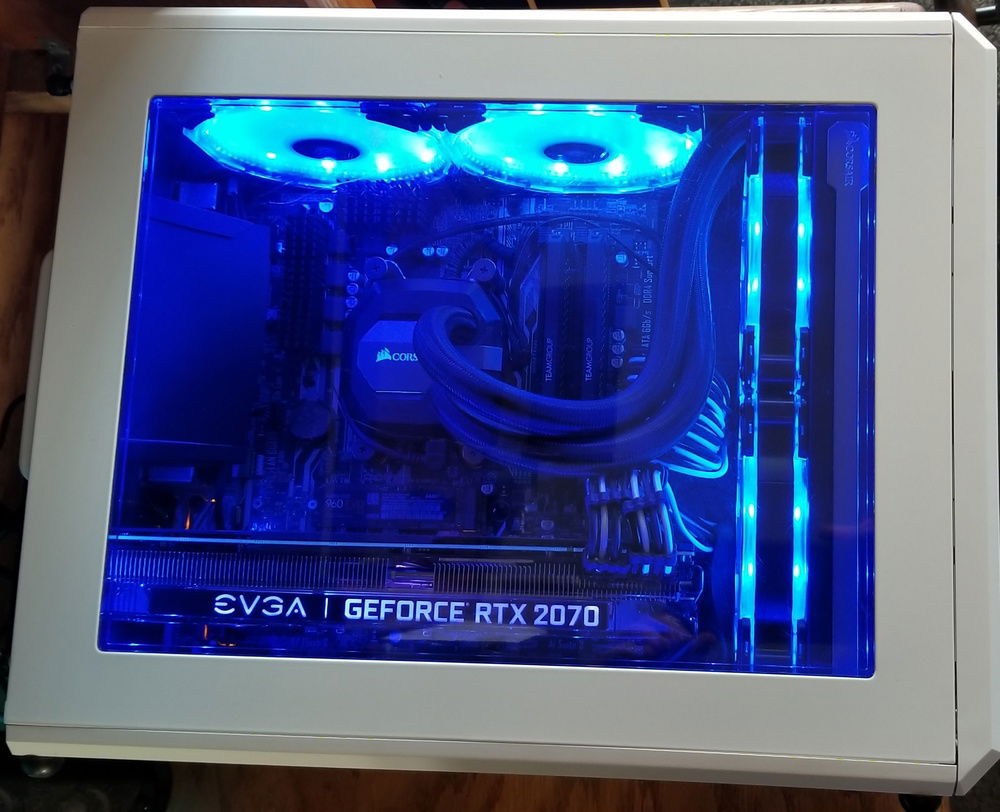
old top-down view, with sleeved GPU, PSU cables, and rad back in push/pull
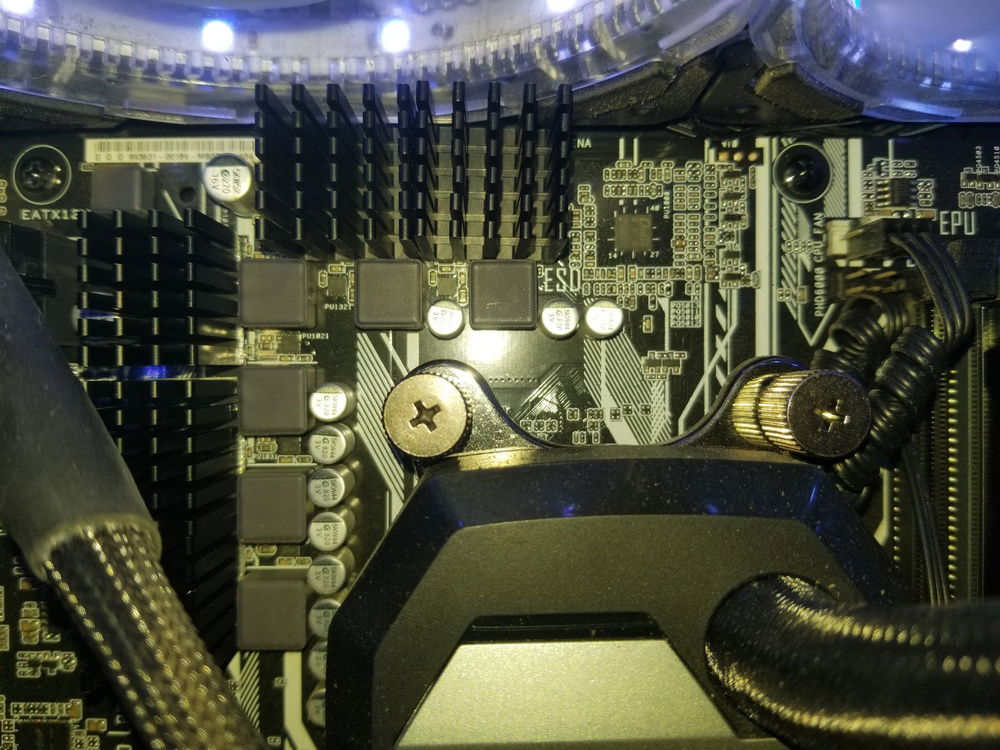
closeup of the added VRM cooling. literally night and day difference over the stock bare config.
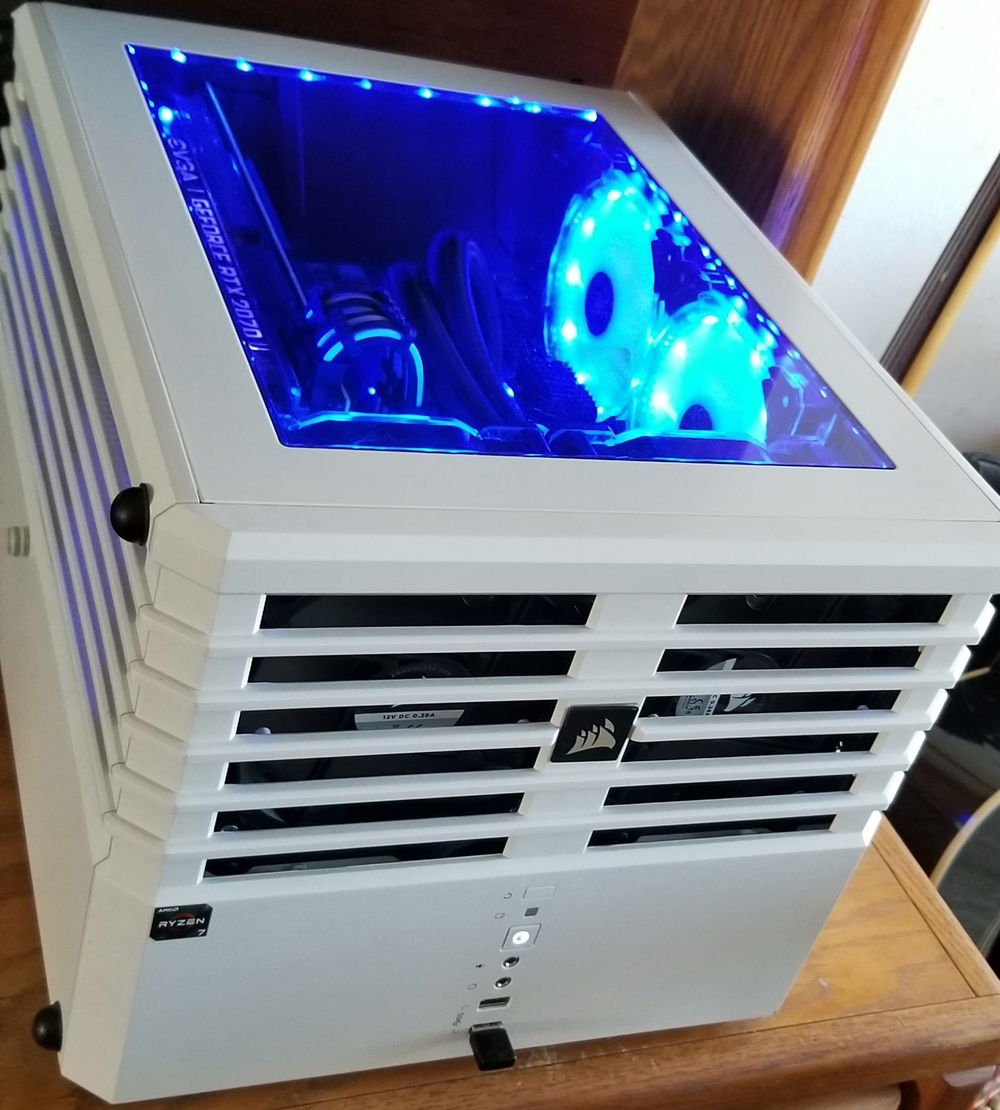
Angle-y side view ... removed mesh from front grill for unimpeded exhaust airflow. big knobbly feet are for GPU airflow when i stand it up on the side.
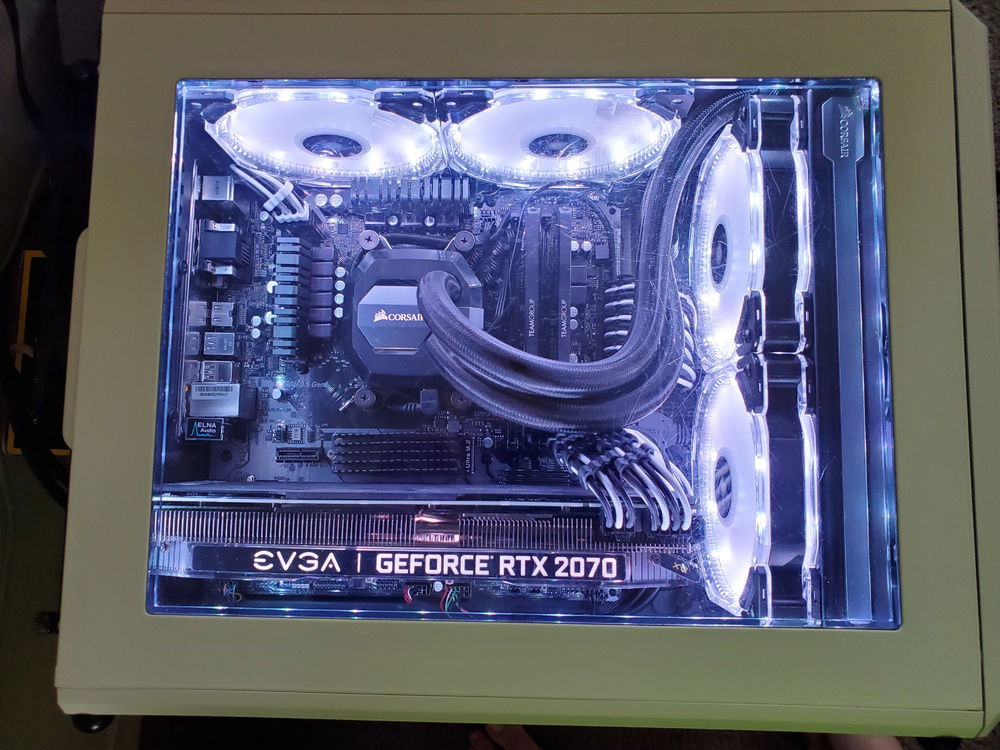
top down shot of the new mobo ... moved the old VRM stickon heatsinks to the NVME drive, just cause i could ...
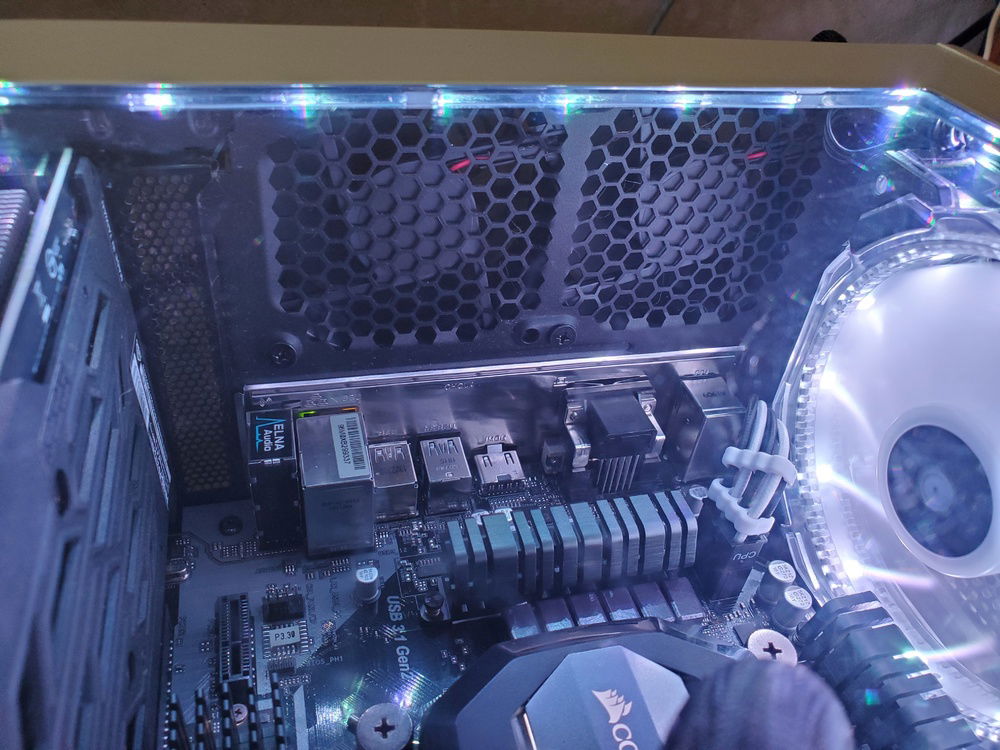
replaced the ghetto hood scoop with a pair of 80mm, 5v usb powered fans outside of the case ... use them to force a little extra airflow over the VRMs and towards the NVME drive while gaming. they are not very loud, just a bit of a high pitched rattley sound, but i usually game with headphones anyway.

First gen Ryzen cube (retired)
AD:
1700x on a b350m-a, built in April of '17.
HD120 fans all exhausting, 2 above the motherboard, 2 through the H110i v2 mounted on the front. 2 SP120 fans on front of rad in pull.
All intake air is from the GPU side, providing the EVGA RTX 2070 XC with plenty of fresh air.
Ghetto-engineered black vinyl air scoop on the back side directs passive intake across the SSD and motherboard components for additional directed cooling.
Drive/PSU bay has a 120mm Corsair SP fan exhausting to keep the negative pressure in both chambers.
RGB setup using SIV - all fans and LED strips are used for temperature monitoring.
During idle, all are blue. As the coolant temp rises, the fans fade to yellow at 32c, and reach red at 35c.
The LED strips do the same progression, only they are triggered by the mobo temps, at the same temperatures.
The cpu block LED gives real time core temp, blue under 30c, green > yellow > orange > red @ 55c.
This setup makes it easy to spot issues from the corner of the eye while gaming.
Yes, i know negative pressure gets dusty. I also know how to dust out a PC on a regular basis, and the cooling benefits outweigh the inconvenience.
HD120 fans all exhausting, 2 above the motherboard, 2 through the H110i v2 mounted on the front. 2 SP120 fans on front of rad in pull.
All intake air is from the GPU side, providing the EVGA RTX 2070 XC with plenty of fresh air.
Ghetto-engineered black vinyl air scoop on the back side directs passive intake across the SSD and motherboard components for additional directed cooling.
Drive/PSU bay has a 120mm Corsair SP fan exhausting to keep the negative pressure in both chambers.
RGB setup using SIV - all fans and LED strips are used for temperature monitoring.
During idle, all are blue. As the coolant temp rises, the fans fade to yellow at 32c, and reach red at 35c.
The LED strips do the same progression, only they are triggered by the mobo temps, at the same temperatures.
The cpu block LED gives real time core temp, blue under 30c, green > yellow > orange > red @ 55c.
This setup makes it easy to spot issues from the corner of the eye while gaming.
Yes, i know negative pressure gets dusty. I also know how to dust out a PC on a regular basis, and the cooling benefits outweigh the inconvenience.
Color(s): Black White
RGB Lighting? Yes
Theme: none
Cooling: AIO Cooling
Size: Micro-ATX
Type: General Build
Contests
This build participated in 2 contests.
| Rank | Contest | Date |
|---|---|---|
| #331 | The builds.gg Stock Cooling Showdown - AIO Cooling Division | ended |
| #1198 | The builds.gg 10K Challenge | ended |
Build Updates
retiring build
another random upgrade ...
 )... so hopefully by the end of this weekend i will have a nice upgrade across the board. pun intended.
big upgrade coming!
Hardware
CPU
$ 106.27
Motherboard
$ 82.99
Memory
Storage
Storage
$ 249.00
Storage
$ 74.85
Case
$ 279.99
Case Fan
$ 78.00
Cooling
$ 322.48
Accessories
Accessories
$ 64.99
Approved by: